Android: Dual-SIM experience

For the last couple of weeks, I have been using the Pixel 10 Pro Fold as my only mobile.
 MereCivilian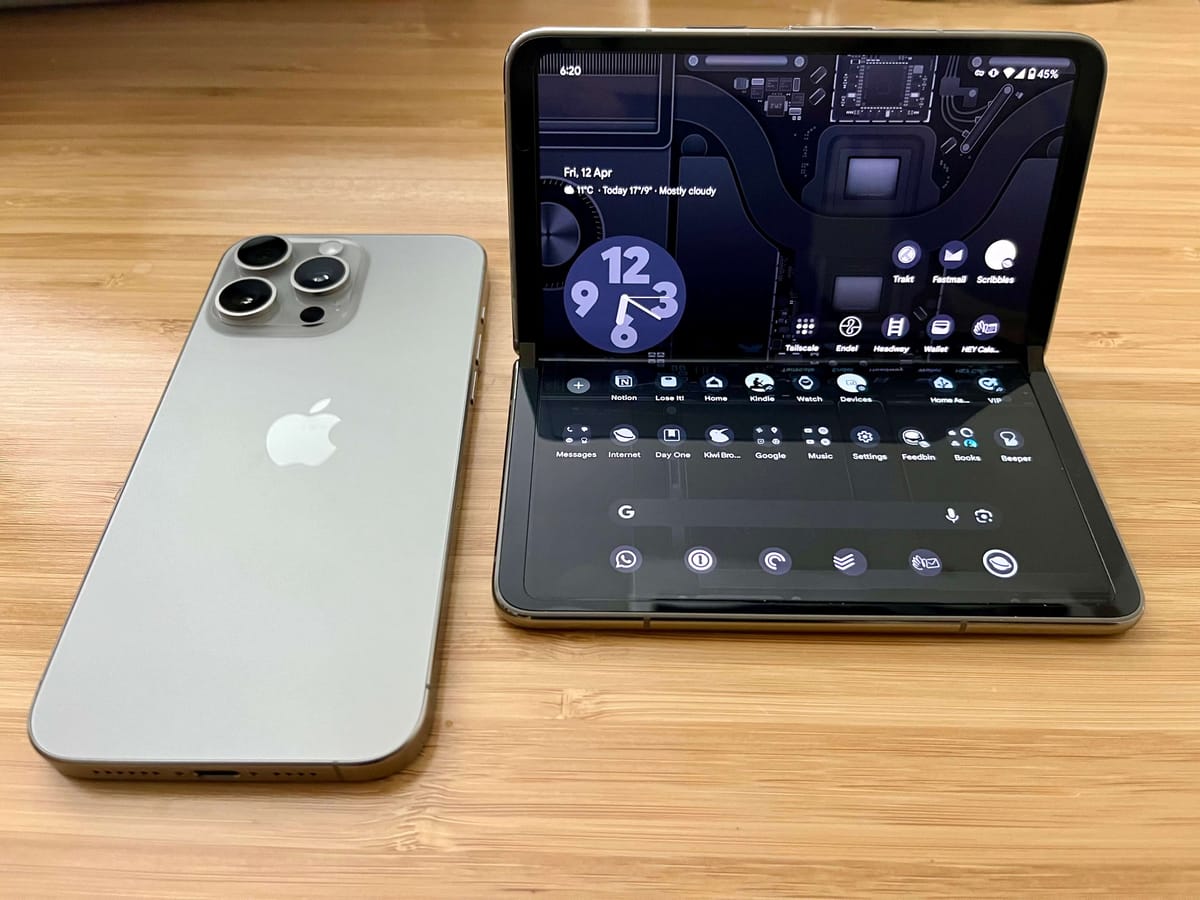
SIMsThe way a dual sim setup works is something I want to document for future reference. Essentially, I have two sims on my Pixel Fold.
- Physical sim for my work number
- esim for my personal number
Messaging / SMS / Text
Both numbers are registered for RCS but in Australia, iPhones still do not support RCS, so messages to and from iPhones are mediocre at best. Not a huge deal-breaker because WhatsApps is my default messaging app and, thankfully, I can use both numbers on WhatsApp and switch profiles accordingly. It works rather seamlessly.
In terms of messaging, it also works reasonably well. One feature that I thought I would miss most is the automatic entering of 2FA or OTP codes that are sent to mobiles. This is where Beeper comes in. Beeper connects to my Google account (this account has both numbers) and automatically pastes OTP codes to the clipboard. This works well enough. I say well enough because it is not as instant as iMessage. There is probably a 10 seconds delay. This delay is attributed to the fact that Beeper relays the messages from Google Messages to its servers and back to the Beeper client on the device. Honestly, sometimes this is annoying, but it does always work, just not as quickly as it would have compared to Apple's text forwarding feature.
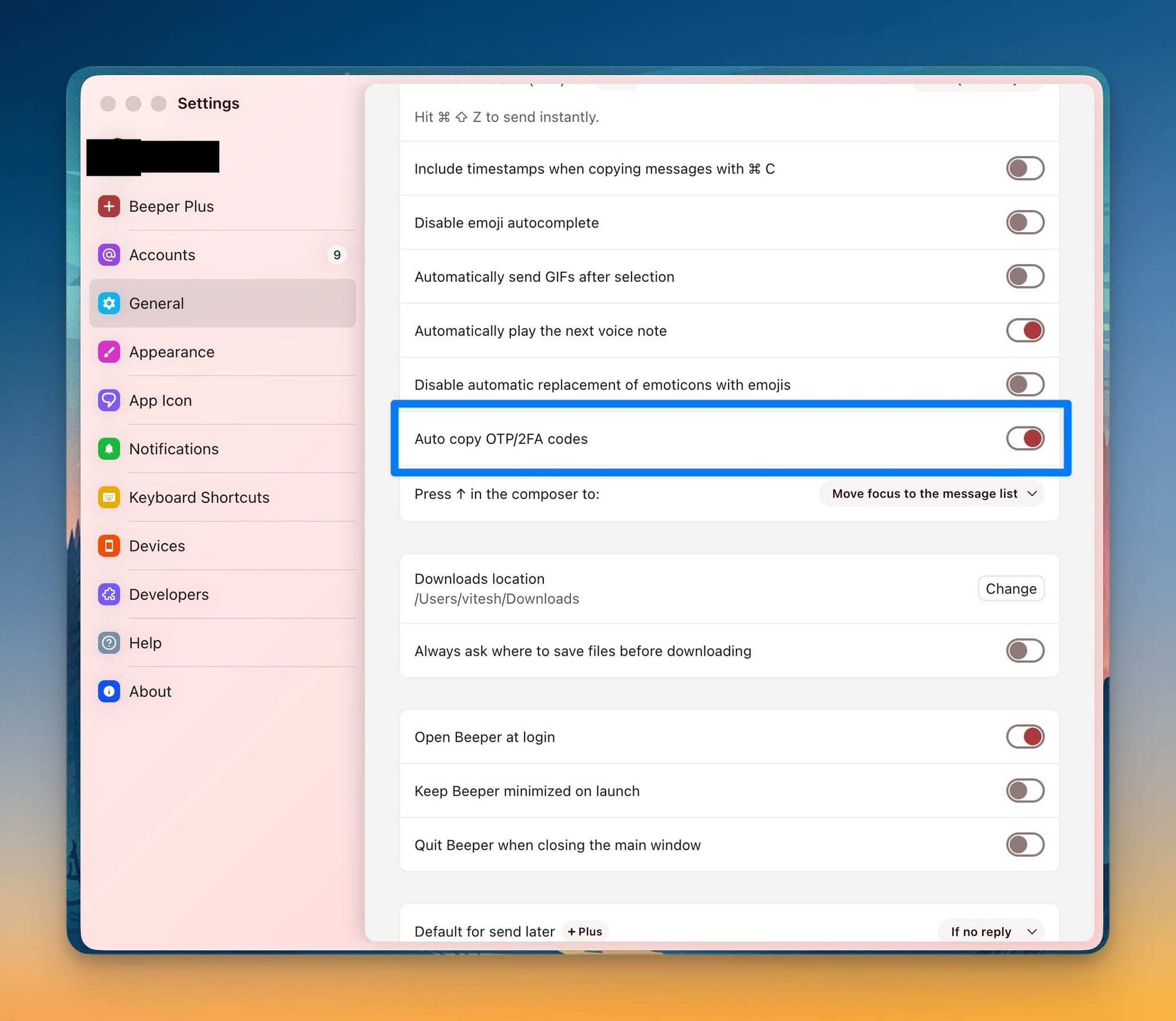
Thanks to Beeper, messages sent to both numbers show up on the Beeper client relatively quickly on my MacBook, my Surface Pro and my iPad.
I am still on Beeper's free account but have some Plus features enabled from the days of my beta testing. The Auto Copy feature is part of the free plan.
Issues with messaging
Because text messages for both numbers are coming through on the one device, it isn't always clear which number received the message. This isn't an issue when you carry two phones because there is a clear distinction of which number got which message.
Sending a new message is super simple: I can pick the number and send the message, and all future messages will use that number.
Responding to messages is also simple. You will send the response via the same number that received the SMS.
The confusion comes when both my numbers receive messages from the same sender. This is common with OTP codes from banks. I manage my parent's bank accounts as well and OTP for my parent's bank accounts is sent to my work number and my one is sent to my personal number. Sometimes it is confusing which number the message was sent to. Particularly when the message says, there has been a transaction on your account and my authorisation is requested. During that time, where I am preoccupied, I cannot determine which bank account the SMS is referring to. There is a simple fix, though. Merely tapping on the message will show which mobile number received the message. However, I almost always forget about this feature. Moreso, if I am looking at the message on Beeper, there is no way to tell which number received the SMS. Beeper, as far as I can tell, does not support dual numbers and does not let you pick which number to send the message from. This means I will have to revert to the phone to see those details. Google has a feature where you can see your messages in any browser. However, I still cannot tell which number received the message using the web version of Messages. This means that once again, the only device that has that information is the Pixel Fold.
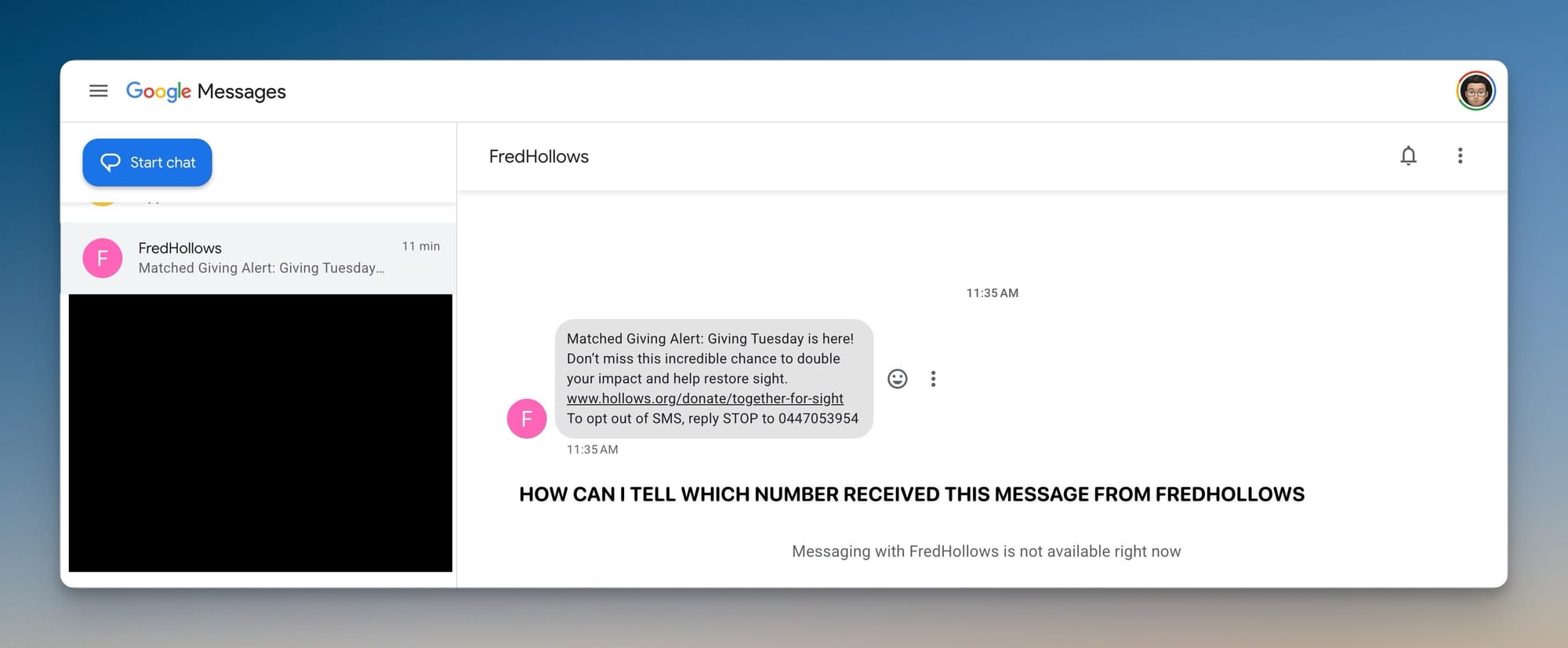
Another concern I have is that I'd like to keep these two numbers distinct. I really don't want to accidentally text a client or colleague using my personal phone.
Having two different devices makes it dead easy.
This isnt a deal breaker either but it is something to be aware of.
Calls
This has its own complexities and subtleties. When receiving calls, there is a clear label (although the size of the font showing this is small and should be much larger) showing which number has received the call.
When I make calls, I've enabled the option that asks me which number to use. It works great. If I do not enable this option, I am pretty sure all new calls will be made using the default line (which I can select in Phone settings) unless I pick the other number before calling. Personally, asking me every time feels like the safer option.
However, strangely, when calling people back, the Phone app on Android will ask me which number to use to call back people. In my mind, it shouldn't be asking this; it should just call back the person using the number that the person used to call me on.
This creates confusion when I receive a call from a number I do not recognise and when I tap on call back, it will ask me which line to use but at that screen, it does not show which number was called so I end up clicking cancel, going back to the previous screen to see which number called and tap on call again, pick that phone number and then make the call. This is exhausting.
On occasion, when I am returning a work call, I accidentally click my personal number and only realise when the person on the line asked if I got a new number etc. This does not happen when one has two phones.
The only time it does not ask me which phone number to call back on is when I select that always use this number to call this person. For example, if I call my wife, it will always use my personal phone number.
This frustrates me much more than I thought it would. Again, I feel this is a me problem but I go to great lengths to keep my work life separate.
So what now?
Personally, despite each annoyance not being a deal breaker, when combining all of it, I am more inclined to go back to my two-phone lifestyle. It gives me peace of mind that this one-phone dual sim setup does not. However, I am curious how well the dual sim setup works with the iPhone, but I do not have the energy to undertake this experiment this side of Christmas. I will give it a go though, because carrying one phone is easier than carrying two. One cannot fight physics.