Did I buy the correct foldable in 2025?
A detailed look at the Samsung Fold 7 from a Google Pixel enthusiast’s perspective
I am a Pixel fan through and through, but Samsung made my first foldable. However, since 2023, every year Google has released a foldable, I have bought said foldable, and this year is no different.
However, Samsung has done something impressive this year, and unlike prior years, I did not consider other foldables because of the incredible deal I got in acquiring the Pixel 10 Pro Fold.
 MereCivilian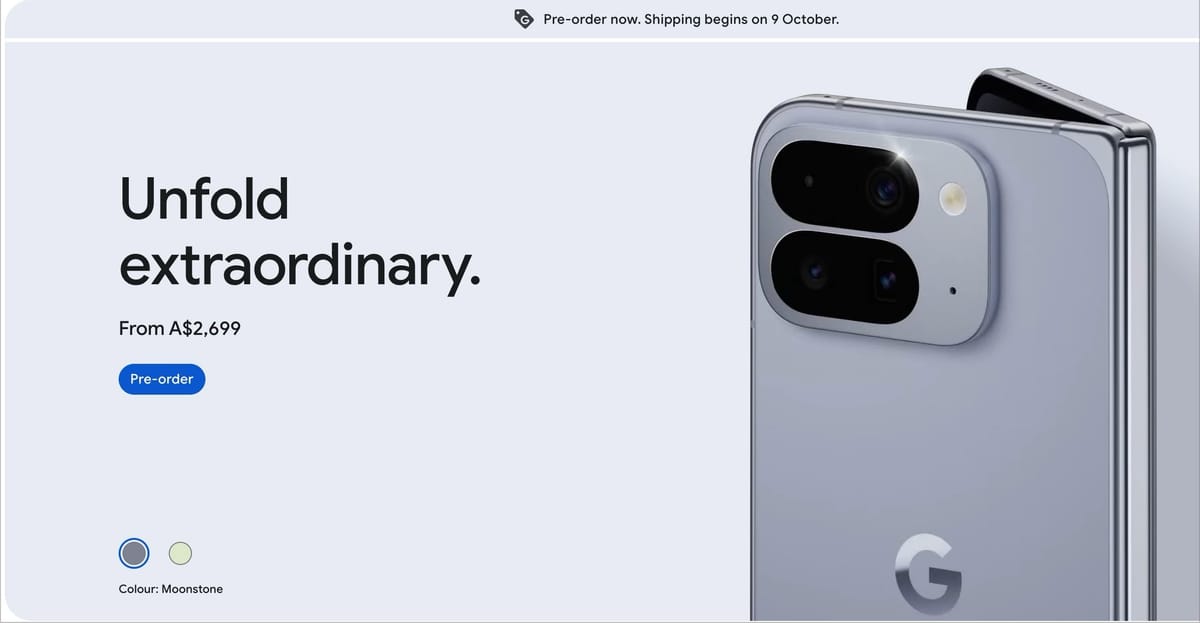
Anyway, it has been on my mind for a few months that I probably should have got the Samsung Fold 7 instead. Recently, I bought a refurbished Samsung Fold 7 which came with a 30-day returns policy. In Australia, a brand new Samsung Fold 7 is sold for AUD2700, and I got the refurbished one in excellent condition for AUD1800. This was an incredible deal for a phone that had only come out 4 months ago. This also makes me think that from now on, I should probably buy refurbished phones 🤔.
Samsung fans ought to buy the Samsung Fold
Pixel fans ought to buy a Pixel Fold
If you are new to foldables or are a power user, get the Samsung Fold.
Here are my thoughts on the Samsung Z Fold 7 and side-by-side comparisons with the Pixel 10 Pro Fold.
Hardware Comparisons ☎️
The Galaxy Z Fold 7 is both lighter and thinner: about 43 grams lighter (215 g vs 258 g) and notably slimmer when folded (8.9 mm vs 10.8 mm) and also when unfolded (4.2 mm vs 5.2 mm).
Most reviews mention this, and although the weight of the phone is an important factor, it is likely that over time, with either phone, one merely gets used to the weight of the phone. It truly is a first-world problem that we can be so picky with our technology. We want all the features and also want it to be light and thin as a feather. We, as consumers, are never truly satisfied.
Personally, I would pick a lighter phone every time, within reason. In the past, Samsung Foldables have been narrower and taller but not this year, Although still narrower than the Pixel Fold, the Samsung Fold 7 is much better in that regard. Having said that, I prefer the width of the Pixel compared to the Samsung which provides a broader screen, but the Samsung Fold is without a doubt more comfortable to hold and more comfortable to use. From my perspective, if everything else is equal, the Samsung Fold 7 is the clear winner.
📓 The Pixel Fold has rounded edges, which makes it nicer to hold. The corners of the Samsung Fold are rather harsh and dig into my palm more profoundly. This issue is not exclusive to the Samsung Fold. Even the Samsung S25 Ultra had the same issue. With time, obviously one gets used to it.
Colours 💥
I have a blue Samsung Fold and a moonstone Google Fold. Personally, I like the moonstone colour. The Samsung blue is bright, which is nice, but I prefer a muted look.
MagSafe 🧲
Unlike the Pixel Fold, the Samsung Fold does not have MagSafe support 😢, so a case is required to add MagSafe support, which adds to the bulk of the device. This factor is an important consideration because 90% of the time, I use my phones (including foldables) without a case, in their naked form. Recently, I came across the Pitaka carbon fibre cases, and they feel great and are lightweight. I still like to carry my devices caseless.
Weight of the Fold 7 with the case on and screen protector applied is 248.1 grams while the Pixel Fold with screen protector applied is 259.7 grams. The weight difference has significantly reduced, and the Fold 7 is only 10 grams lighter than the Pixel Fold.
Even with a compatible MagSafe charging case, the MagSafe experience leaves something to be desired for. The magnets on the case are aligned with the Qi charging coil of the phone. This is problematic because the Fold 7 does not sit nicely on the MagSafe charging stand because of the three cameras' horizontal arrangement on the Fold 7.
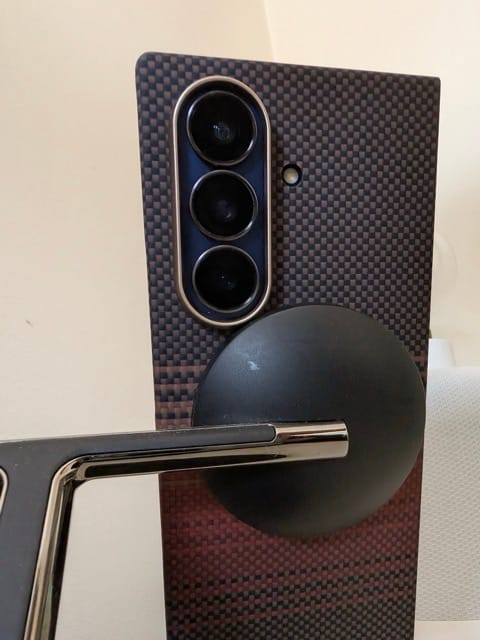
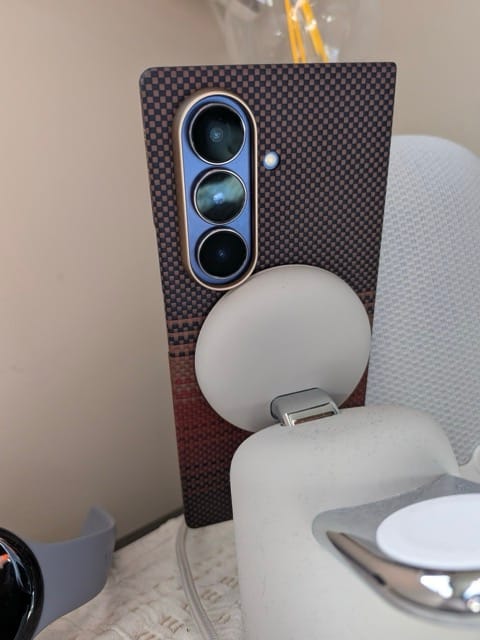
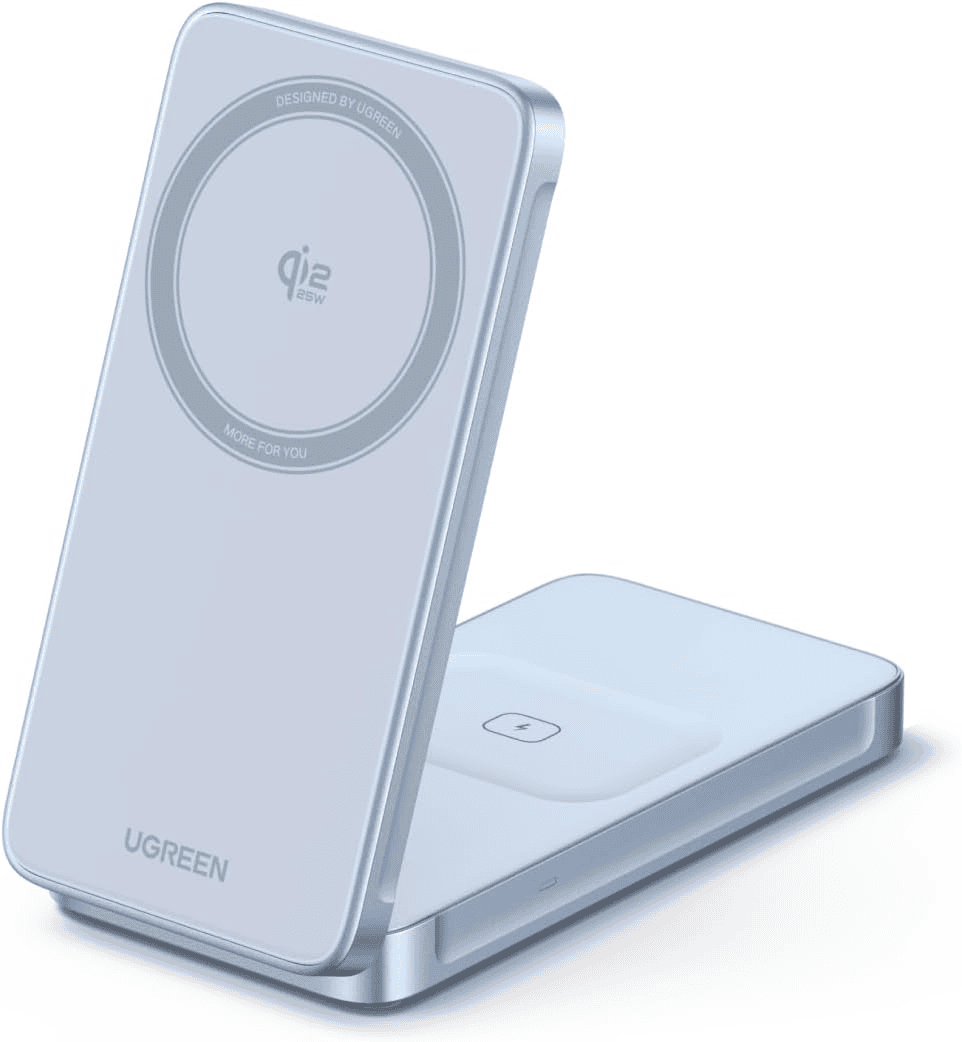
Smaller MagSafe pucks work better, not so much with the Ugreen stand pictured above.
Note: even though the Pixel Fold supports MagSafe, I have yet to find a MagSafe stand that can be used with the Pixel Fold unfolded. The device merely topples over. This is also the case with the Samsung Fold. This is more of a balance issue because when unfolded, the weight of the phone is not evenly distributed since the MagSafe stand holds one side of the Fold rather than the middle when using a traditional phone. The solution I have come up with is simply rotating the display so the MagSafe is at the bottom (rather than the left) which provides a delicate balance and works reasonably well.
Snapdragon vs Tensor chip 🍟
On every benchmark available, the Snapdragon chip on the Samsung Fold is significantly superior to the Tensor chip in the Google Pixel Fold. As a non-gamer, I did not feel that one phone was performing better than the other. The prowess of the Snapdragon chip is lost on me. Perhaps a gamer or an audio/video editor using Capcut may take advantage of the Snapdragon chip.
The Snapdragon chip is more power efficient, at least in my real-life use case.
I accept the Snapdragon chip is better in almost every way, and if you want the best mobile chip on Android, a phone from Google is not what you want.
Power button and fingerprint reader 🔋
On the Pixel Fold, the power button is above the volume rockers, positioning it in an ideal location where my thumb naturally sits when unlocking the phone with the fingerprint scanner on the power button itself.
On the Samsung Fold, the power button is below the volume rocker, which isn’t ideal for me. This is not an issue of muscle memory. When holding the phone, my thumb naturally sits on the power button placement on the Pixel rather than the Samsung. However, holding the phone in my left hand, my index finger perfectly sits on the power button on the Samsung. In that regard, Samsung’s placement is dead right. Personally, I think I use my left hand more, so the Samsung placement is better 🤷

The other issue with the Samsung 7 Fold power button is that it sits so flush on the phone, which makes it a terrible button because there is barely any give. Personally, I notice this when I double-press the power button to launch the camera app. This shortcut works on most Android phones, and it works on the Samsung as well, but because the power button isn’t great, my failure rate is significant, where it is nonexistent on the Pixel 10 Pro Fold.
Face Unlock 🤠
The iPhone has the best implementation of Face Unlock. It works so well. The Pixel does a decent job, but Samsung’s implementation is materially better and is almost on par with Apple’s implementation. Well done Samsung 👏
Folding mechanism 🪭
Compared to the Pixel 9 Pro Fold, the 10 Pro Fold has improved the hinge mechanism, making unfolding and folding the phone effortless, operates smoothly, most importantly, while doing so, it gives the confidence that it is durable. I am struggling to comprehend properly , but the Pixel Fold's unfolding is materially better than what Samsung offers. It feels like it will last longer, and because the Pixel Fold is thicker than the Samsung Fold, I find it easier to unfold as well.
Cameras 📷
Photography for me is limited to capturing memories, and therefore, I am less fussed as long as the image is decent. The Pixel 10 Pro Fold camera is identical to the Pixel 9 Pro Fold.
Z Fold7 = bigger main sensor and 200MP main camera + 8K video;
Pixel 10 Pro Fold = better optical zoom (5x).
On paper, the Samsung Fold 7 has a better camera setup than the Pixel 10 Pro Fold
From my perspective, both cameras are decent, but I never liked the over-saturated Samsung camera look and much prefer the natural look from the Pixel camera. Having said that, I was hoping Google did more this year as I realize now that Samsung has come a long way. Disappointingly, the Pixel still does a pretty mediocre job at taking video. Samsung does a better job with video but still comes 2nd when compared to the iPhone.
The internal camera of any foldable is terrible. Honestly, I would prefer if foldables did not have an internal camera because it would mean a clean internal screen with no punch hole.
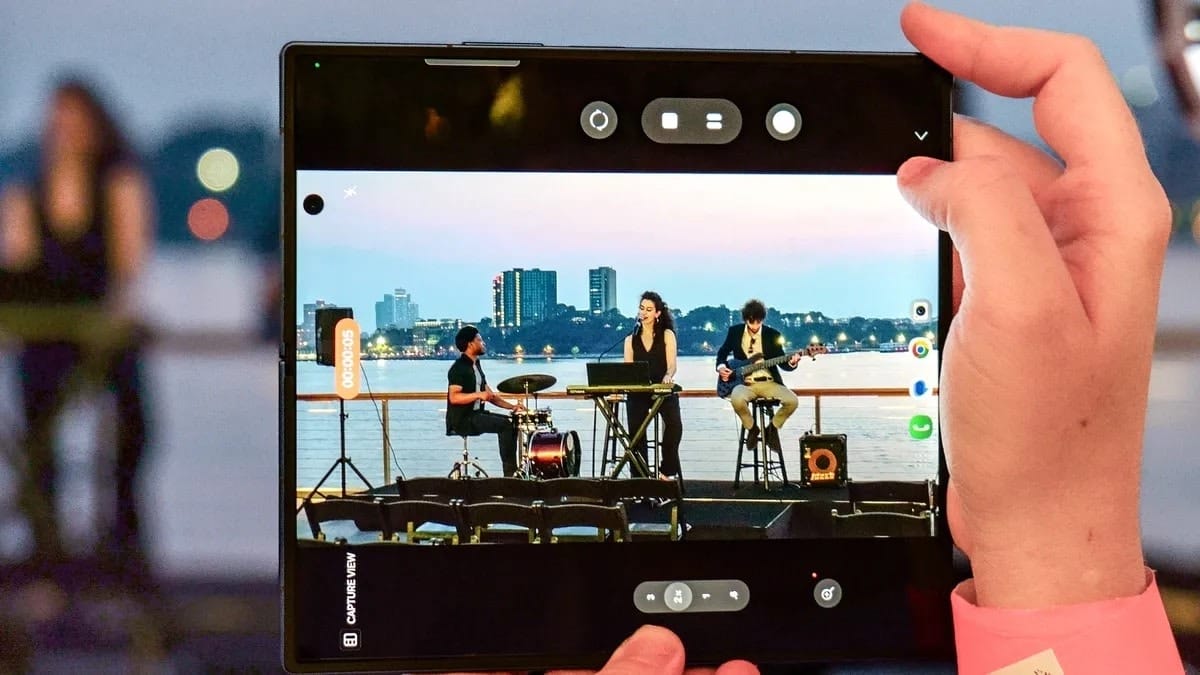
The Pixel 10 Pro Fold internal camera is on the very top right of the display, which at least is out of the way. The Fold 7 internal camera is a few inches from the top left, making it more prominent, especially when consuming media.
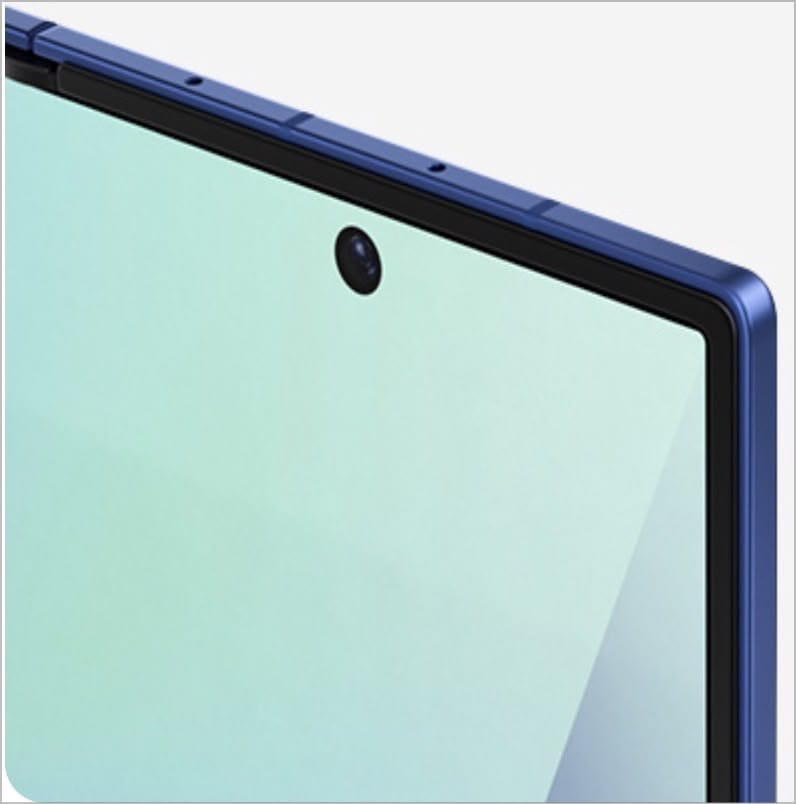
You can see below how the placement of the punch-hole camera is distracting when watching video whilst having the Samsung fold rotated.
Does it wobble? 🫨
Omg, the wobble on the Samsung Fold 7 is the worst I have ever experienced on any phone. Contrasted with the Pixel Fold, which does not have a noticeable wobble.
The wobble is only an issue when the phone is used in phone mode rather than in tablet mode. Both the Fold 7 and the Pixel Fold have minor wobble when used unfolded.
Does it lay flat when unfolded on a table? 🏓
No,
The Samsung, because of its vertical camera layout, when layed flat on the table, the right side of the Samsung Fold is not flat and it's noticeable. It is not a big deal, but the Pixel Fold does not have this problem.
Battery 🔋
The Pixel Fold has a larger battery and therefore corresponds to better battery life, but the difference isn't significant. It's marginally better, probably an hour better at best. The Samsung Fold 7 has far superior standby time compared to the Pixel Fold. It truly is impressive. Presumably, thanks to the efficiency of the Snapdragon processor.
Heat Management 🥵
The fact is, my Pixel Fold gets a lot hotter than my Samsung Fold 7. I notice it the most is when my Pixel Fold is in my sling and when I take it out, it's warm to touch, not incredibly hot. While the Samsung Fold remains 🆒. It is rather frustrating as a Pixel user 😠
Manufacturer support in Australia 🦸
When things do not work out, it is useful to go to your local Samsung store to process a warranty claim etc.
Unfortunately, Australians are limited to Google's online support. In Australia, Google provides an express service option, which basically means Google Australia will send you a refurbished phone first and then you send your phone back to Google. This is incredibly handy. Apple provides a similar service but only to AppleCare customers. Although one does not need to pay extra for this service, Google only provides this option for customers who have bought thier device directly from the Google Store.
Samsung in Australia has an express service of sorts, called Express Mobile Service Point. Samsung's partnership with Harvey Norman means there are literally 100s of stores Samsung users can access to expedite their warranty claim. This is a clever move from Samsung, something Google can also do but has not done yet! The downside being, there is still a 48 hours turnaround time, so I guess the express option from Google is better 🤷♂️
Software Comparisons
Being a Pixel Fan, I was prepared for the Pixel 10 Pro Fold to easily win this category. Boy oh boy, I was wrong 🙅.
From a purely feature set perspective and the quality of implementing said feature set, Samsung’s experience is better than Googles’ (it hurt a little to type this out🤕)
However, for the feel of using the phone, I find Google’s Pixel experience to be more joyful, and that's important to me. I like Samsung’s software too, but I like Google's more.
However, I could happily live with either, and Samsung deserves a lot of credit for that. It has come a very long way 🥳.
I didn't think there would come I time where this would be true. But here we are.
Launcher 🚀
Long ago, I abandoned the Google Pixel Launcher, embracing the Smart Launcher as my preferred launcher on Android.
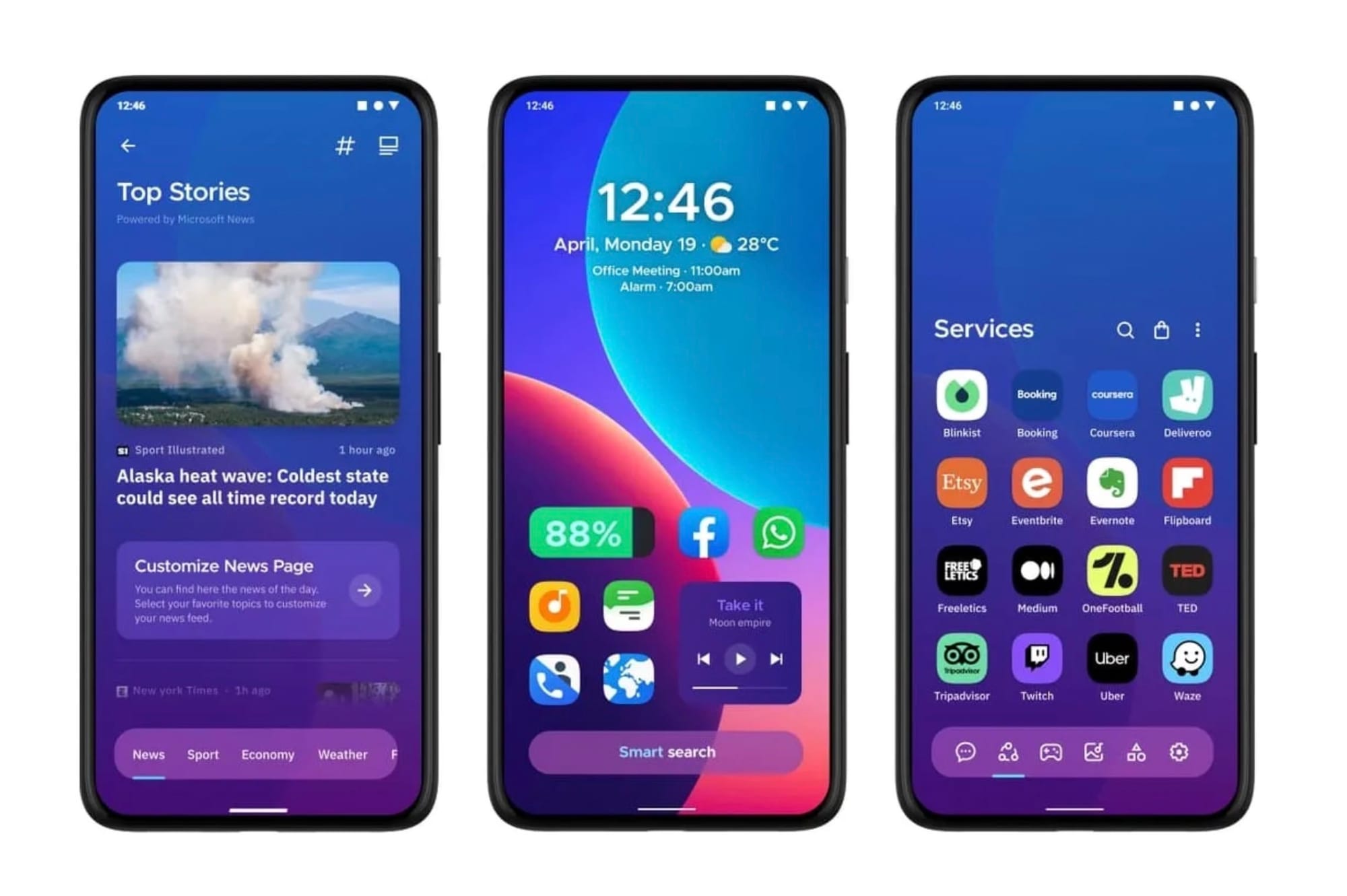
Therefore, the experience is the same on both the Pixel Fold and Samsung Fold. I easily restored from a Smart Launcher backup I created on the Pixel Fold. It is rather nice, as setting up the home screen on every new device can be time-consuming.
Sidetrack, I abandoned the Pixel launcher because it did not open the first result when searching for an app, just like it is on the iPhone. Disappointingly, Samsung’s approach is the same as the Pixel's one.
Smart Launcher does so much more. One app icon on the home screen can do so much more and can be customised to my liking. For example, I have the HEY email client app on my home screen. Tapping that icon obviously opens the HEY email app. Double-tapping it opens FastMail. Swiping up on the icon creates a new email. It doesn’t end there, but the options are endless, and it's so easy to get used to it. I really miss this on iOS 😿.
Samsung’s Routines vs Google’s Rules 🧠
I will start by saying that I do not use the Rules feature on the Google Pixel, but doing a quick comparison to Samsung’s implementation (Routines), it is no surprise why people speak so highly of Samsung’s Routines. It is clearly feature packed whilst Google’s implementation is barebones. Check out the following article published on AndroidAuthority for details:
 Zac Kew-Denniss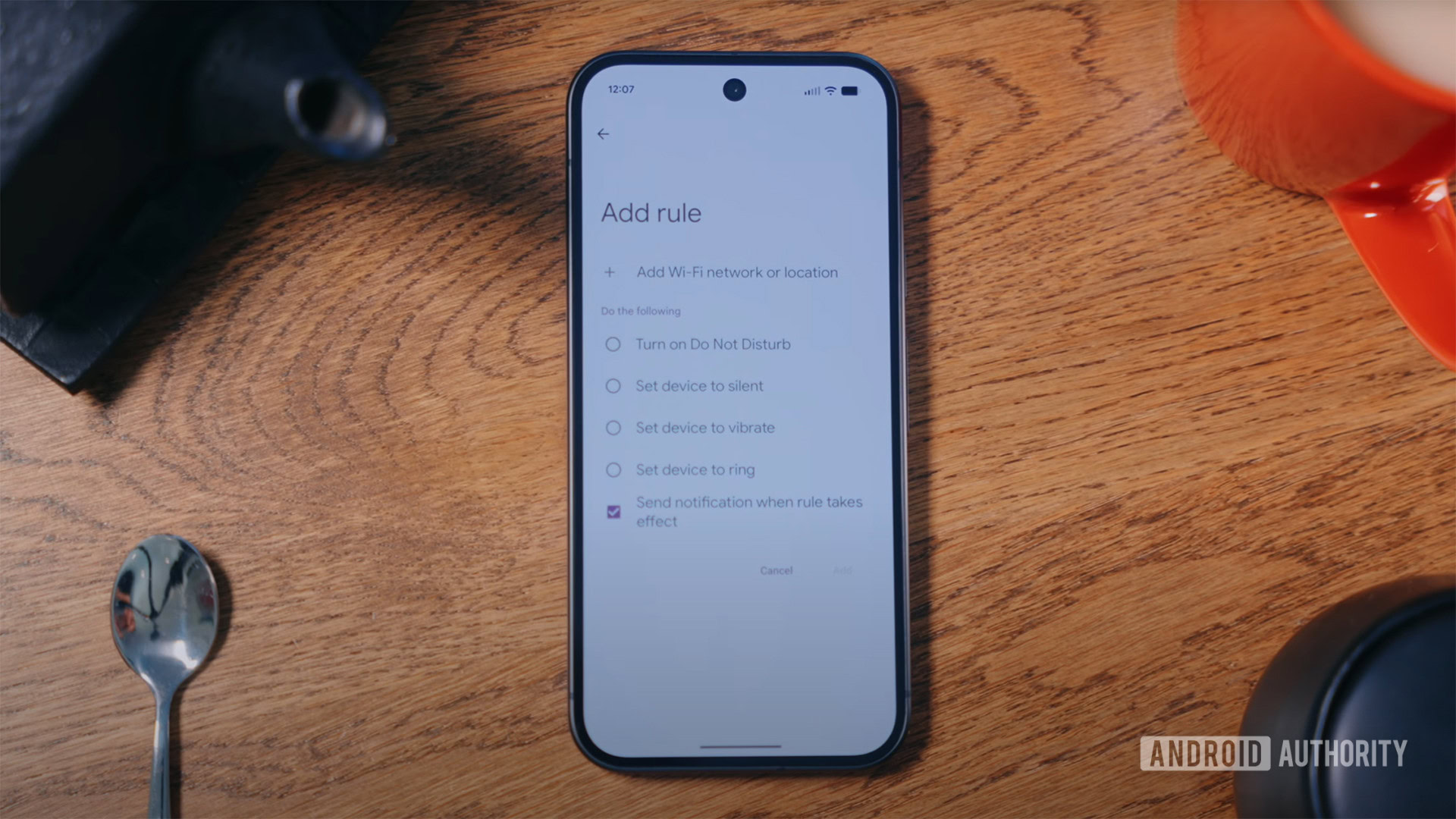
I will take this opportunity to highlight that regardless of how much better Samsung’s Routine is compared to Google’s Rules, neither holds a candle against Apple’s Shortcut app which remains simple to use and yet so powerful. Of course it has its issues, but it is no doubt that Apple’s acquisition of Workflow in 2017 has served Apple users very well.
Samsung’s Multi-tasking 🎉
Samsung allows the use of three apps on the screen simultaneously, while Google is limited to two. Therefore, obviously, Samsung is a clear winner here. Samsung’s implementation also feels more robust, which isn’t a surprise considering they have been in the foldable space for some time and have benefited from their experience in creating Samsung tablets for more than a decade. Two apps side by side is more than sufficient for my needs. Even on my iPad, I rarely use over two apps at once. The exemption is when I have 1Password as a slide-over app.
I appreciate Samsung having this option, but it isn’t a priority for me. Perhaps this is one of those cases of not using a feature because I do not have the feature versus having the feature and not using it. Regardless, Samsung implentation is better, and I appreciate how seamless and intuitive it is compared to Google’s.
Multitasking is a useful feature, but I find I am mostly using the internal larger display with one app in full-screen mode for reading. I only occasionally use apps side by side, but when I do, it really is clutch, which is the case on both the Pixel and Samsung.
Samsung’s first-party apps 👍
It may come as a surprise to some, but Samsung has built a decent ecosystem of apps, without relying on Google. To the extent that Samsung has its own App Store, aptly named Galaxy Store.
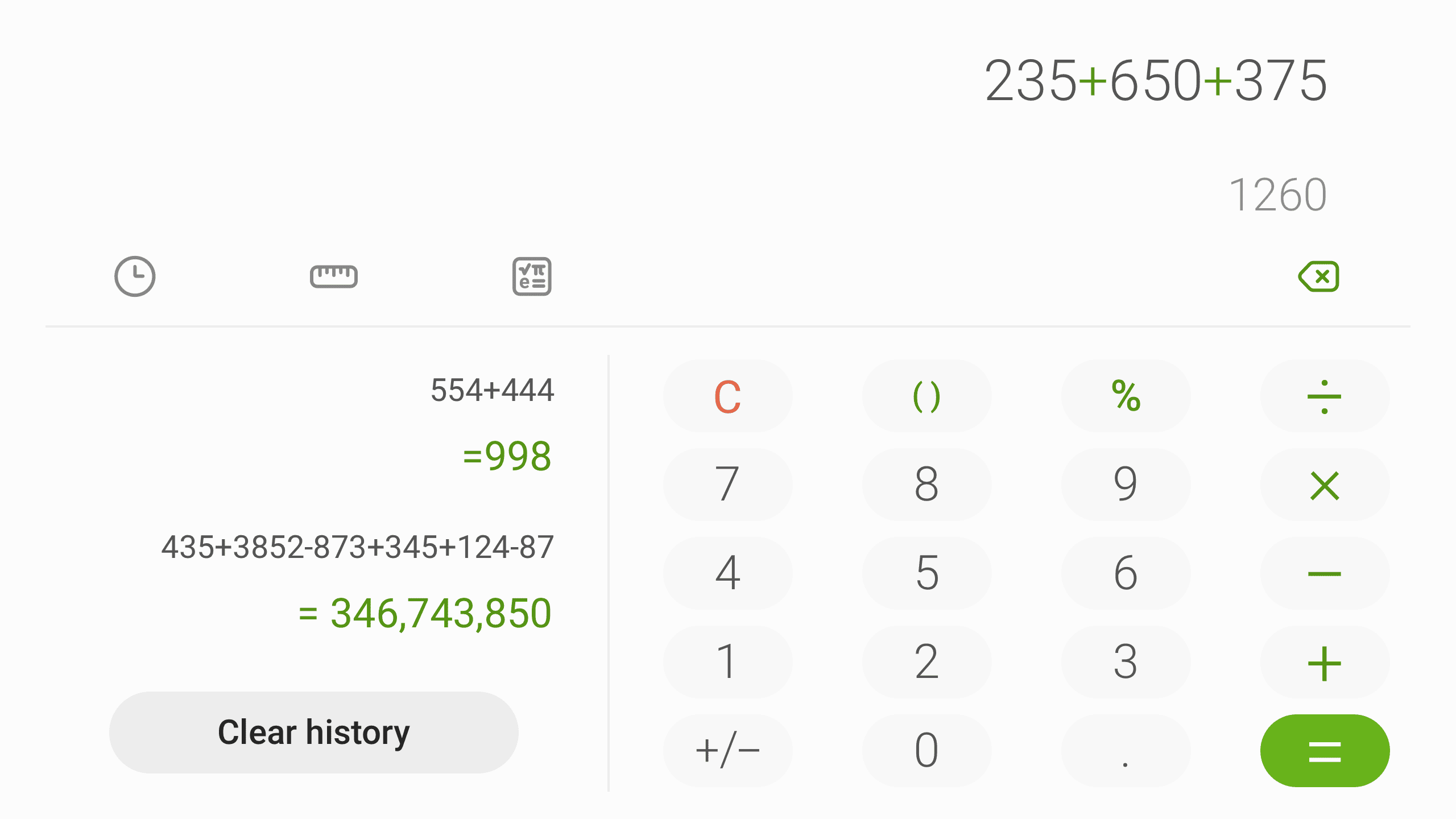
Samsung offers decent default options that over the years has received love and care:
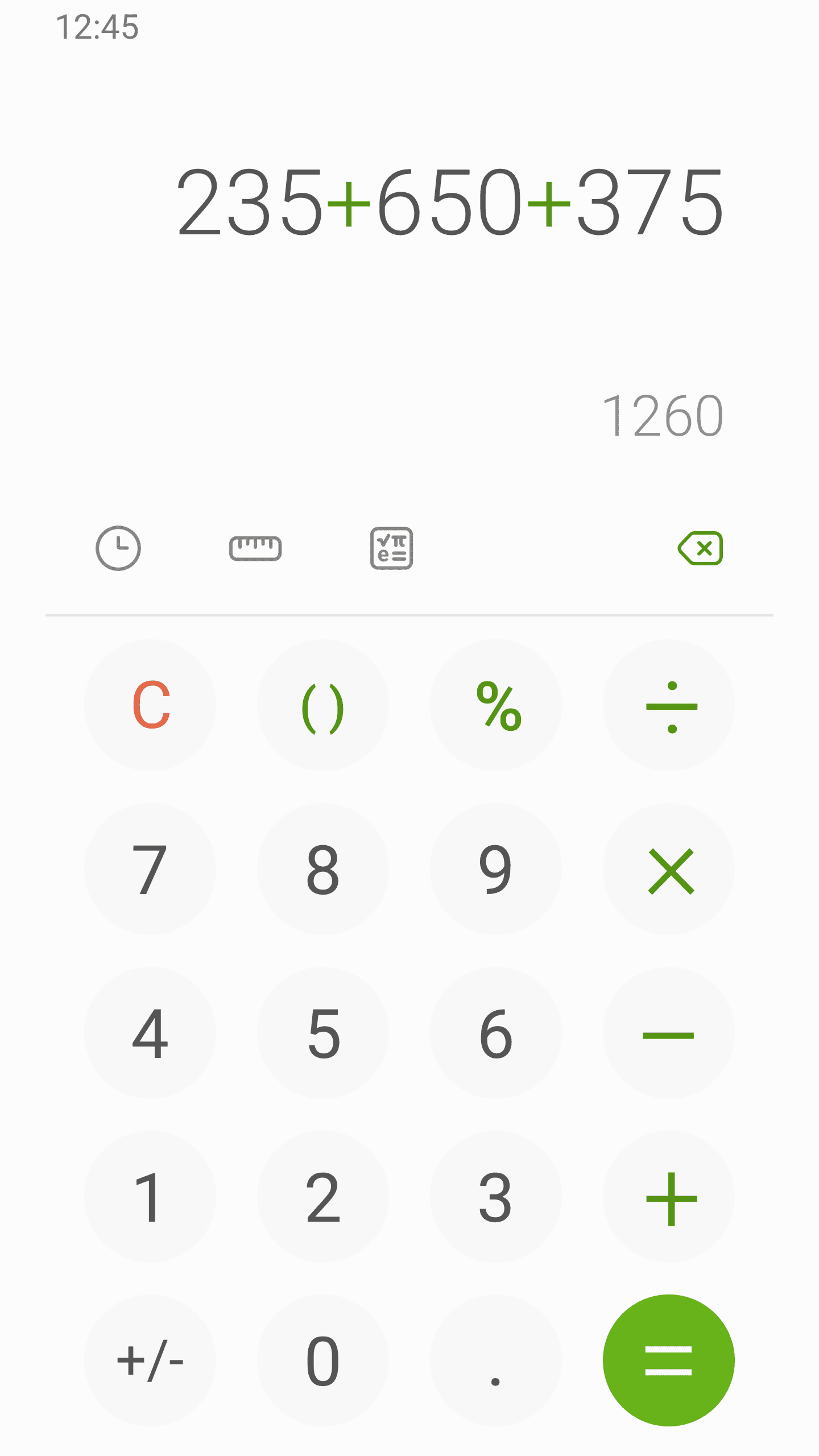
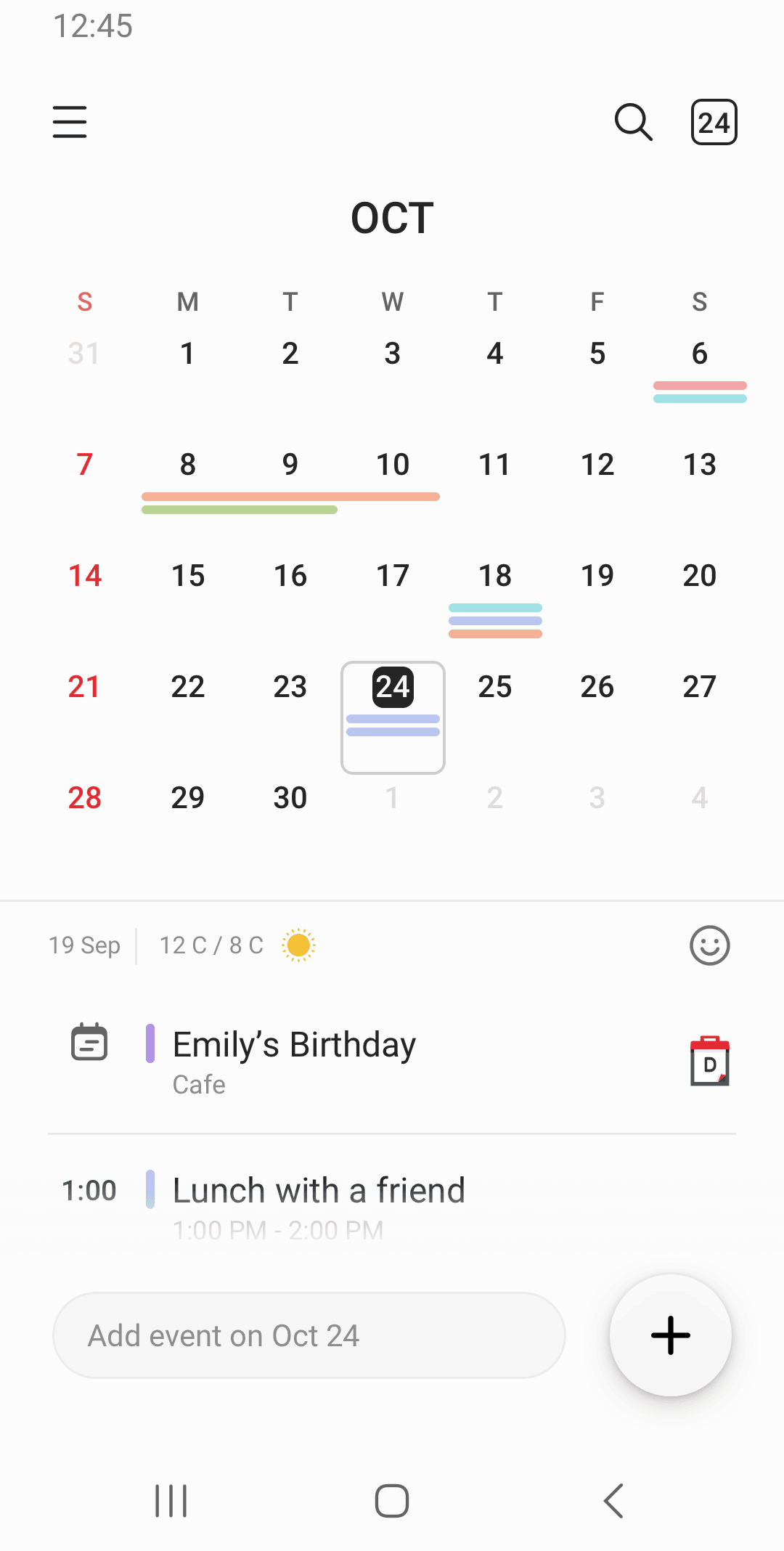
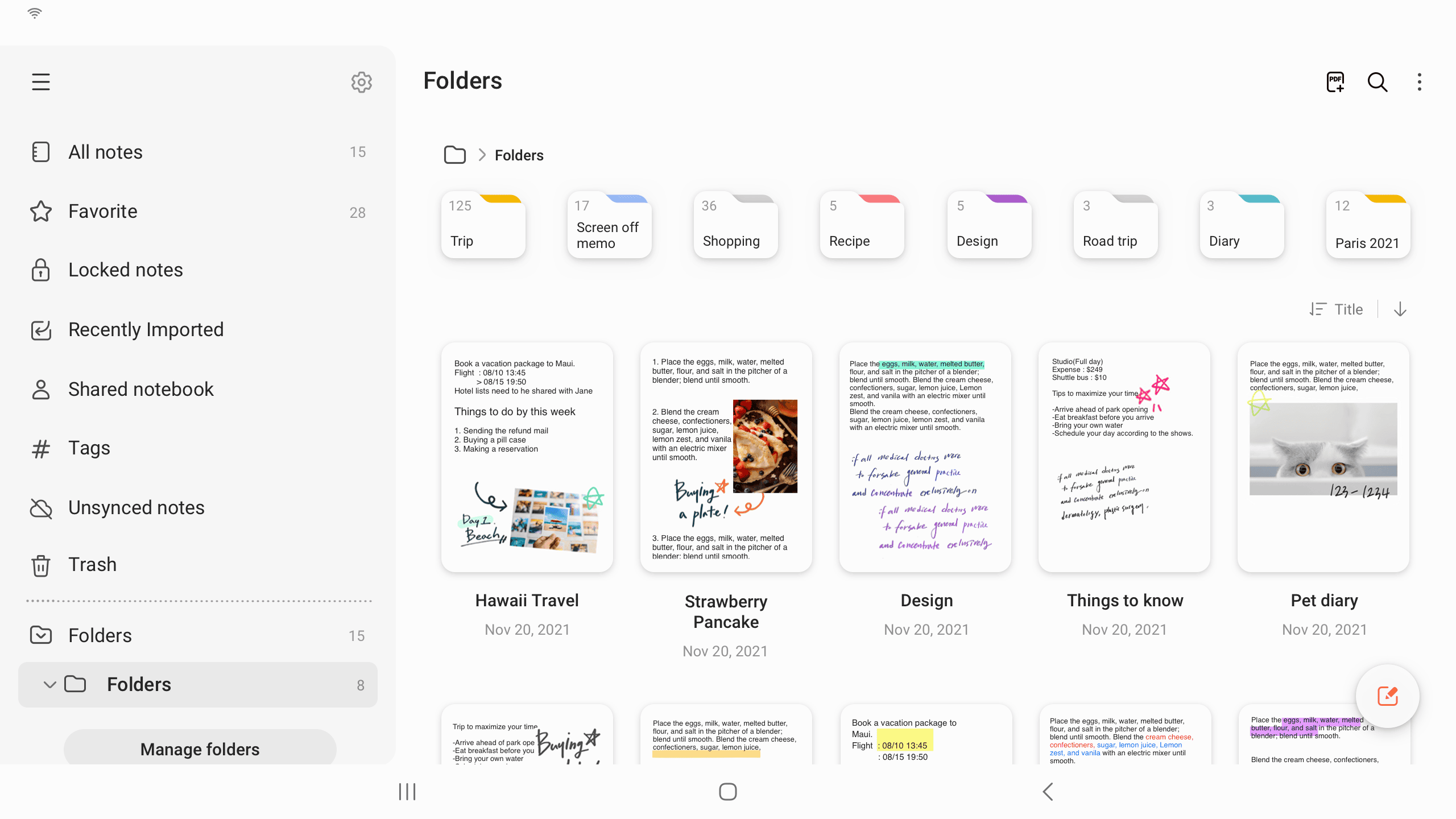
Obviously, Samsung users can also install other apps instead of staying with the default. For example, I prefer Google Calendar over Samsung calendar but I know many who swear by Samsung Calendar and Notes. The power of defaults cannot be understated. This is why Apple Notes and Apple Mail are most used apps compared to their third-party counterparts.
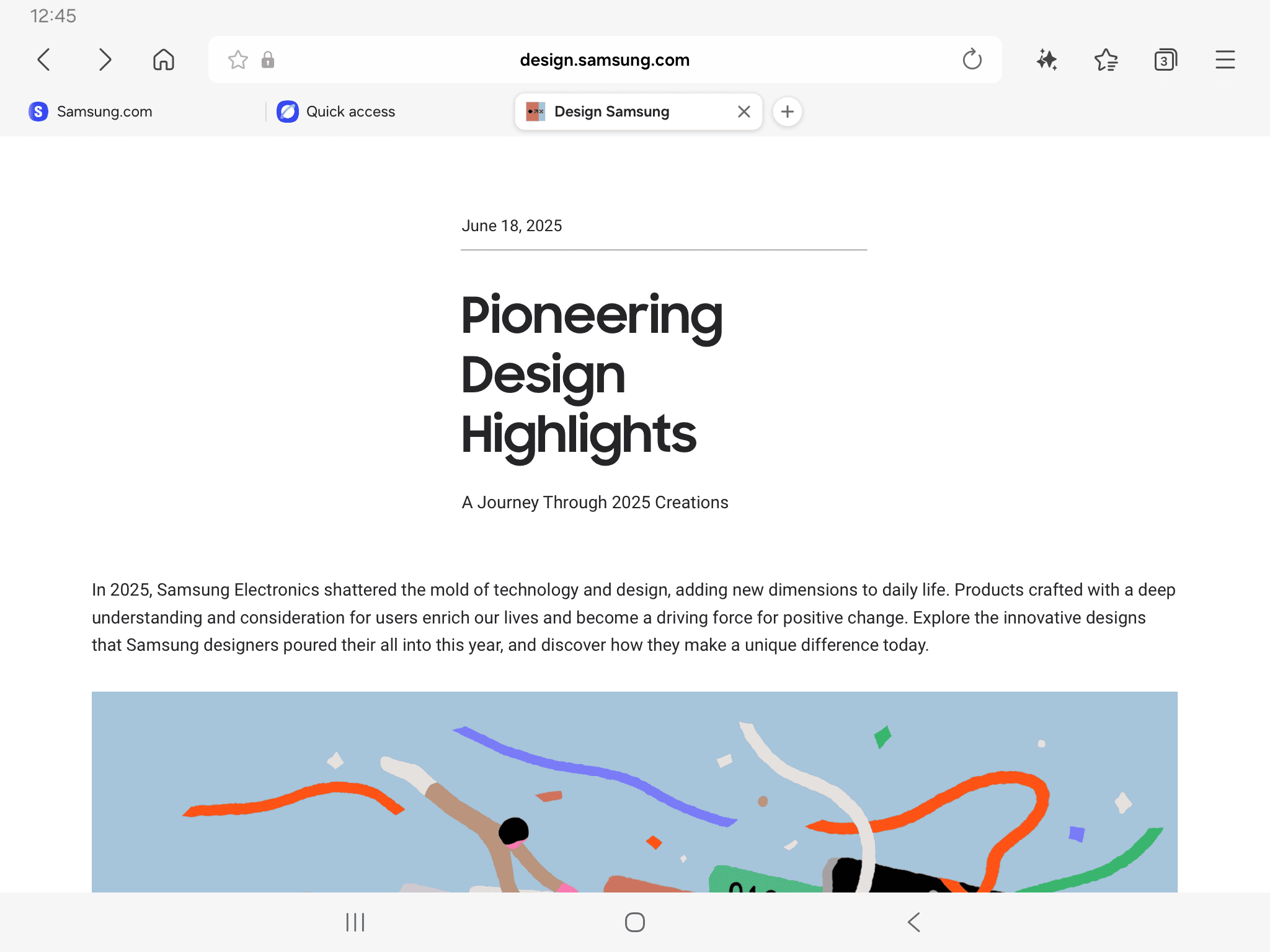
Surprisingly, the Samsung browser also impressed me, to the extent that I considered using it on my Pixel Fold. That’s right; some of Samsung’s apps are available on the Google Play Store, thus allowing any Android user to install them. However, the only deal-breaker was that I couldn’t set Kagi as my search engine 😭 on the Samsung Browser. Samsung browser is more feature-rich and better to use than the Safari browser on iOS/iPadOS. Not to mention, less buggy then Safari.
In early 2025, Samsung dumped its own Messages app and defaulted to Google Messages on all Samsung phones, likely because of RCS support. I am not complaining; Google Messages is outstanding. You can access it on any device thanks to the Google Messages on the Web app. Beeper is using this feature to give me access to my SMS on my work Android phone to show up on my iPhone, Surface Pro and macOS.
Samsung Mail app is pretty good, design wise, it's clean but functional. Reminds me of the Apple Mail app experience on iOS.
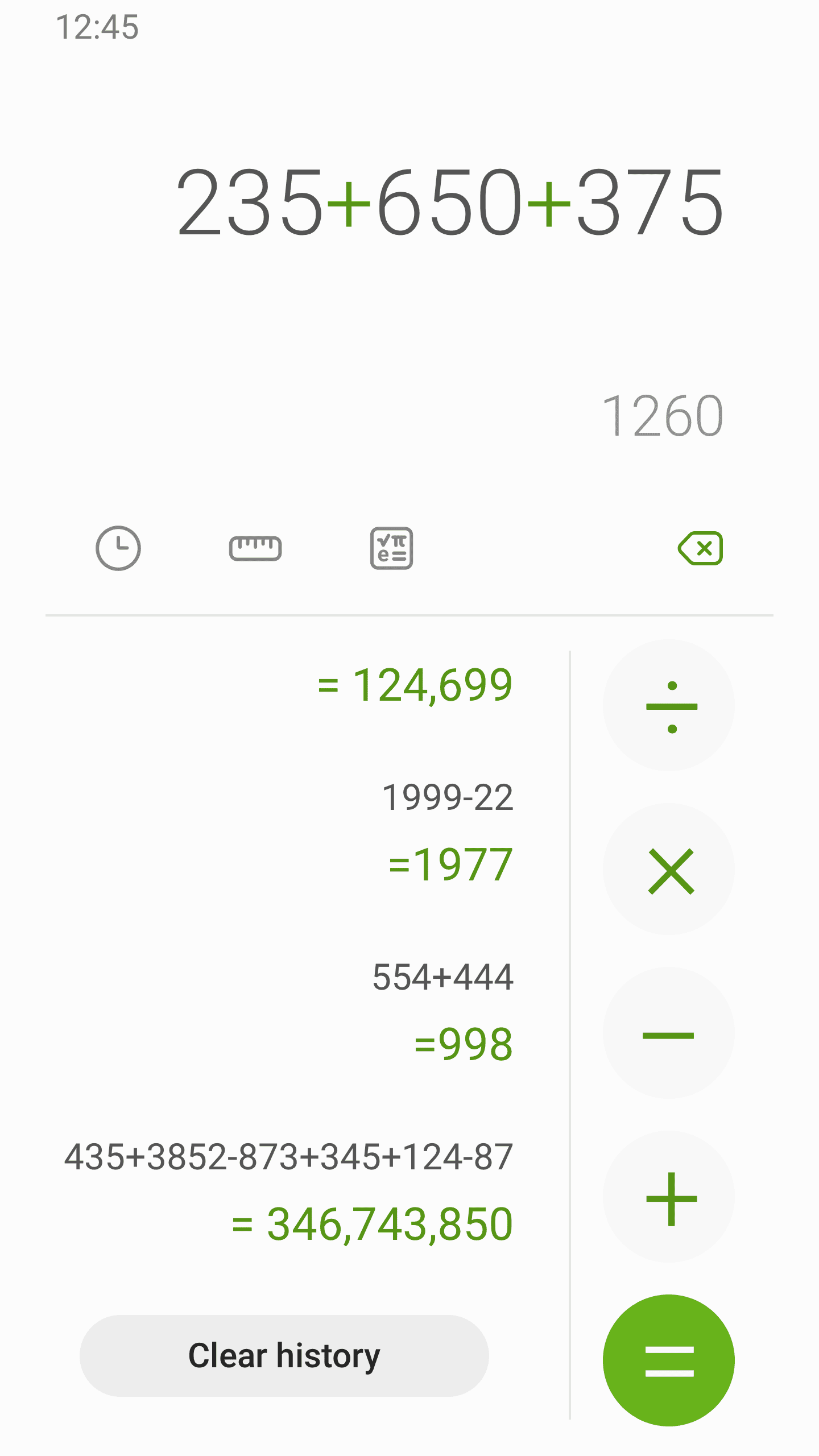
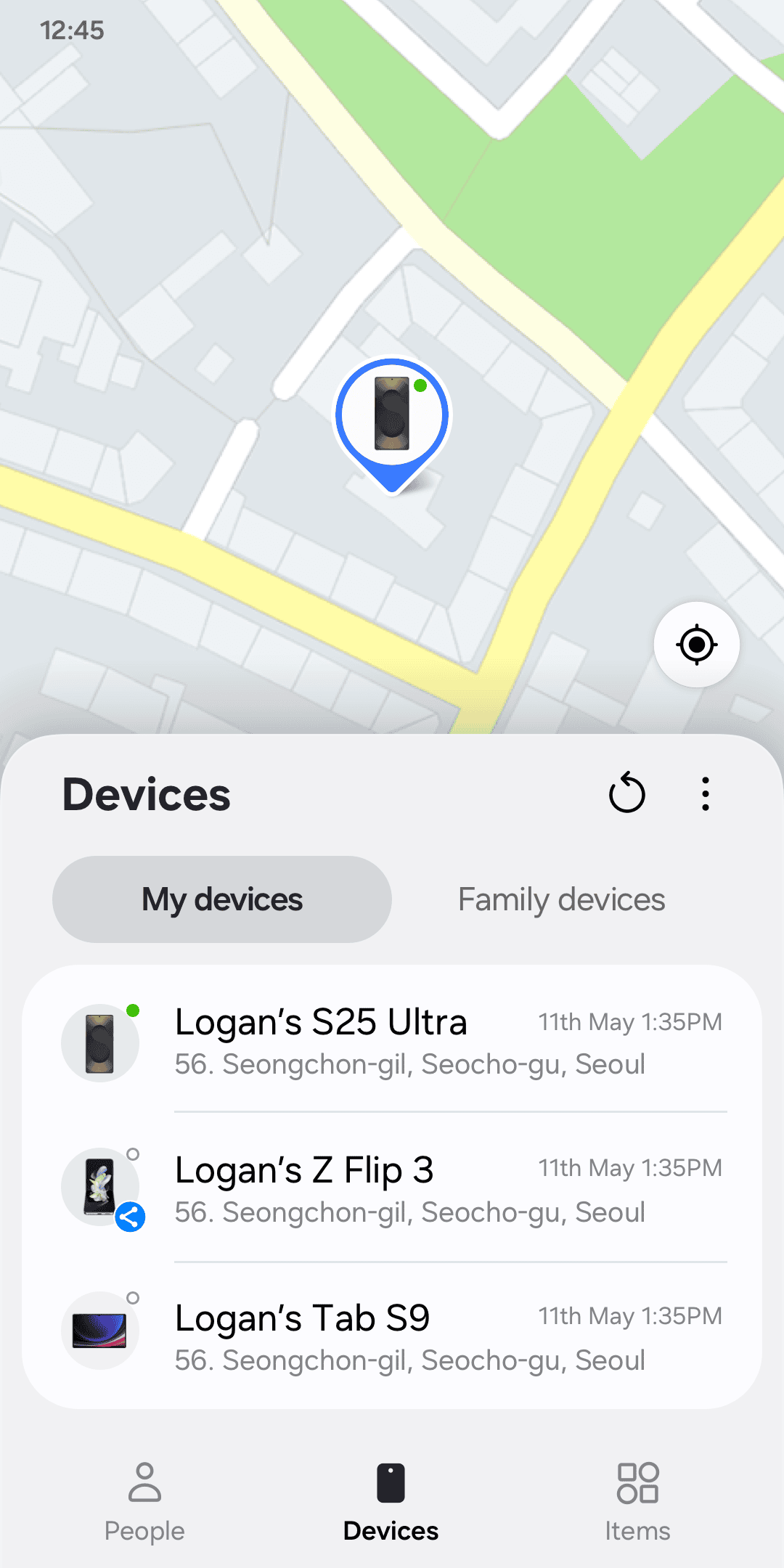
Showcasing the Samsung software ecosystem below:

Samsung’s secret weapon: Goodlock 🤺
If Apple has the Shortcuts app and Windows has Powertoys, Samsung has Goodlock (available on the Samsung Galaxy Store and Google Play Store) and boy it’s a well-crafted power user samurai's sword ⚔️.
Samsung Good Lock is an app with several downloadable utilities — or modules — that can customize your device or provide additional functionality. The AndroidAuthority article linked below does a wonderful job of detailing its features and use cases:
 Joe Hindy
One can most certainly use a Samsung phone without Goodlock but you should do yourself a favour and explore Goodlock. Google should make a similar app for all Android phones. Essentially, Goodlock allows you to install modules which help you get the most out of your Samsung phone. There are over 20 modules, so take the time to explore and see what piques your interest.
Samsung’s software optimisation 🥎
Foldables are essentially smaller tablets, and Samsung has had many years to polish the Samsung experience on tablets and also on their own Foldables. This is why Samsung software works better on foldable than Google’s.
Google's only tablet experience comes from the Pixel Tablet. It has not been updated since June 2023. Meanwhile, Samsung has been releasing new tablets every year for over 5 years and has released a new foldable every year for more than that time.
Therefore, Samsung’s software has spent more time in the oven, and the result is a premium, smooth and feature-rich tablet experience on the Samsung Fold 7.
Power-users will appreciate the Samsung experience, and users who crave simplicity and minimalistic design will find joy in using the Google Fold.
Typing on Samsung vs Pixel ⌨️
Google's GBoard is on another level, and some of its features are only available on Pixel devices. Check the video below:
Personally, I prefer the Gboard, probably because I am used to it but also, I find the haptics are better compared to its Samsung counterparts.
Minor detail, but each time you type, you will feel it.
Can you use only the Samsung’s Galaxy App Store and dump Google’s Play Store?
No
Even though, Samsung’s Galaxy App store has many apps like Spotify etc, Google’s Play Store will still be required. Google’s apps like Google Maps and Gmail are not on the Galaxy Store. Other third-party apps are also not there, for example Pocket Casts, Apple Music. You can check out the Galaxy Store here.
Does Google’s Fast Pair work on Samsung phones? 🎧
Yes, when I logged into the Samsung Fold with my Google account, there was a pop-up available to add my Pixel Buds to the Samsung phone. The setup was seamless, and the Pixel Buds worked just as well, showing battery status etc. within the Samsung’s Bluetooth settings.
Pixel Buds app can also be installed (useful for firmware updates) from the Google Play Store. My SONOS Ace, which also supports Fast Pair was readily available to use 👏.
Does the Google Pixel Watch paired with Samsung phones? ⌚
Yes.
The Pixel Watch app can be installed from the Google Play Store. As far as I can see, there aren't any features that aren't available because the Pixel Watch is being used with a non-Pixel phone. I understand Samsung limits some of its Galaxy Watch features (Blood pressure & ECG )to its Samsung phones only, but Google has not done that yet!
Checkout the following two blogpost for details:
 mrgelberhut
 mrgelberhut
Do you need a Samsung account to use a Samsung phone? 🧾
Yes and no
One can set up a Samsung phone without a Samsung account 👏. I got Samsung Fold up and running without signing into any accounts 😈. I doubt Google and Apple can say the same thing about their phones.
However, one actually needs a Samsung account and a Google account to get the most out of a Samsung phone. Honestly, I understand why a Samsung account is required, essentially to make it work better with other Samsung devices. Just like an Apple account is required to keep things like AirPods in sync between devices, using Find My etc. Samsung has all the same features. Samsung has earbuds and tracking devices, etc. Logging into a Samsung account allows Samsung to provide a better experience to Samsung users who are in the Samsung ecosystem. Anyway, it is the reality of today. Apple does it, Google does it and Samsung is doing it.
Google's exclusive features that are not available on Samsung 🤖
A big part of the Pixel experience is getting fast system updates directly from Google. In addition, there are always features that are only available on Pixels, which over the years, I have grown not only to love but to rely on. Some of those are below (not an exhaustive list):
- Google Add Me
- Google Now Playing
- Google Gboard Voice Typing
- Magic Eraser
- Call screening and hold for me
- Real Tone: More accurate depiction of diverse skin tones
- Scam Detection
- Auto-rotate behaviour where it knows that I am watching a video and does not auto rotate.
- Select images and text from the Overview screen
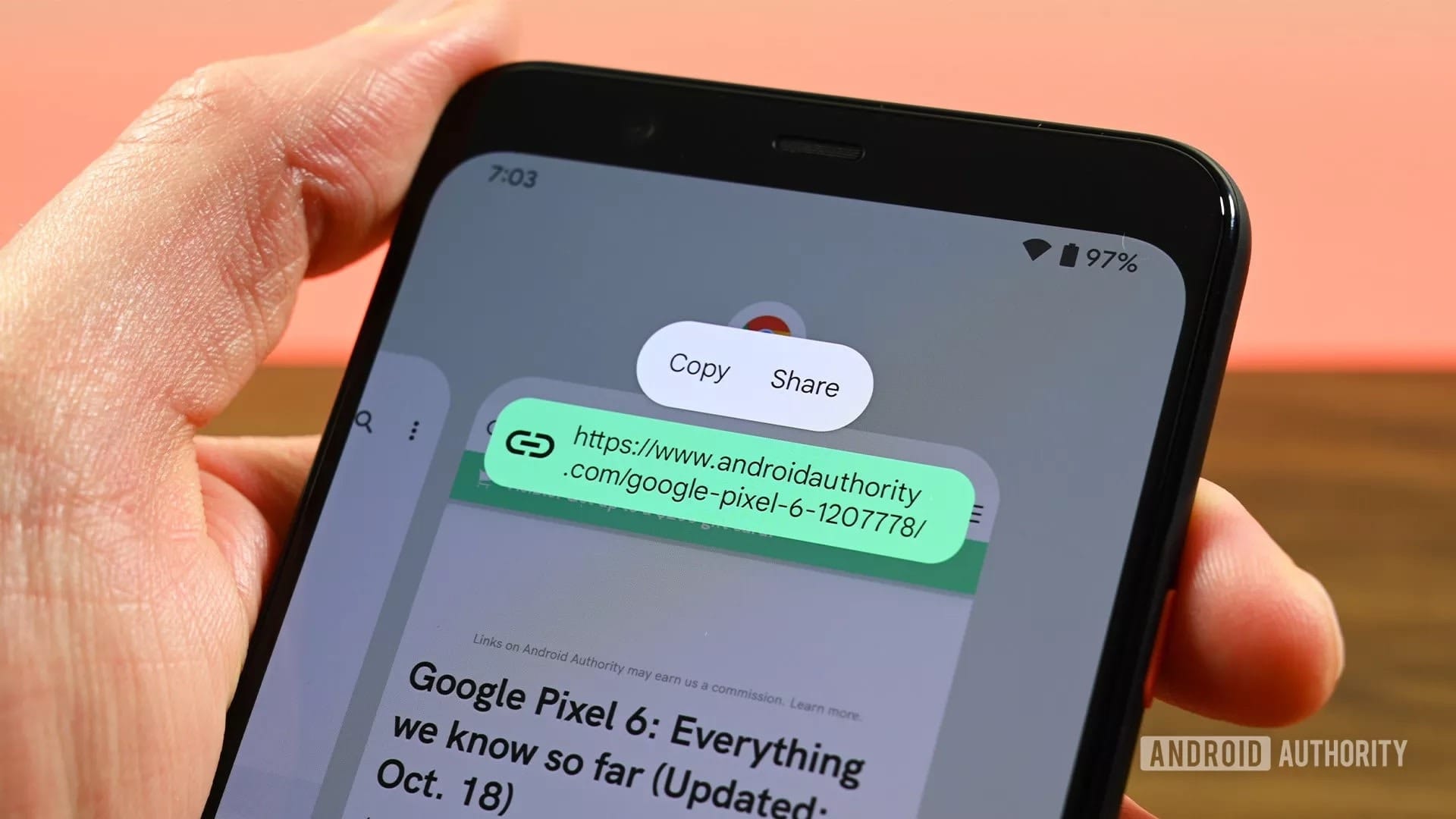
- Pixel Screenshot app
- Pixel Weather app
- Google Recorder with speaker labels
For an exhaustive list, check out:
 Edgar Cervantes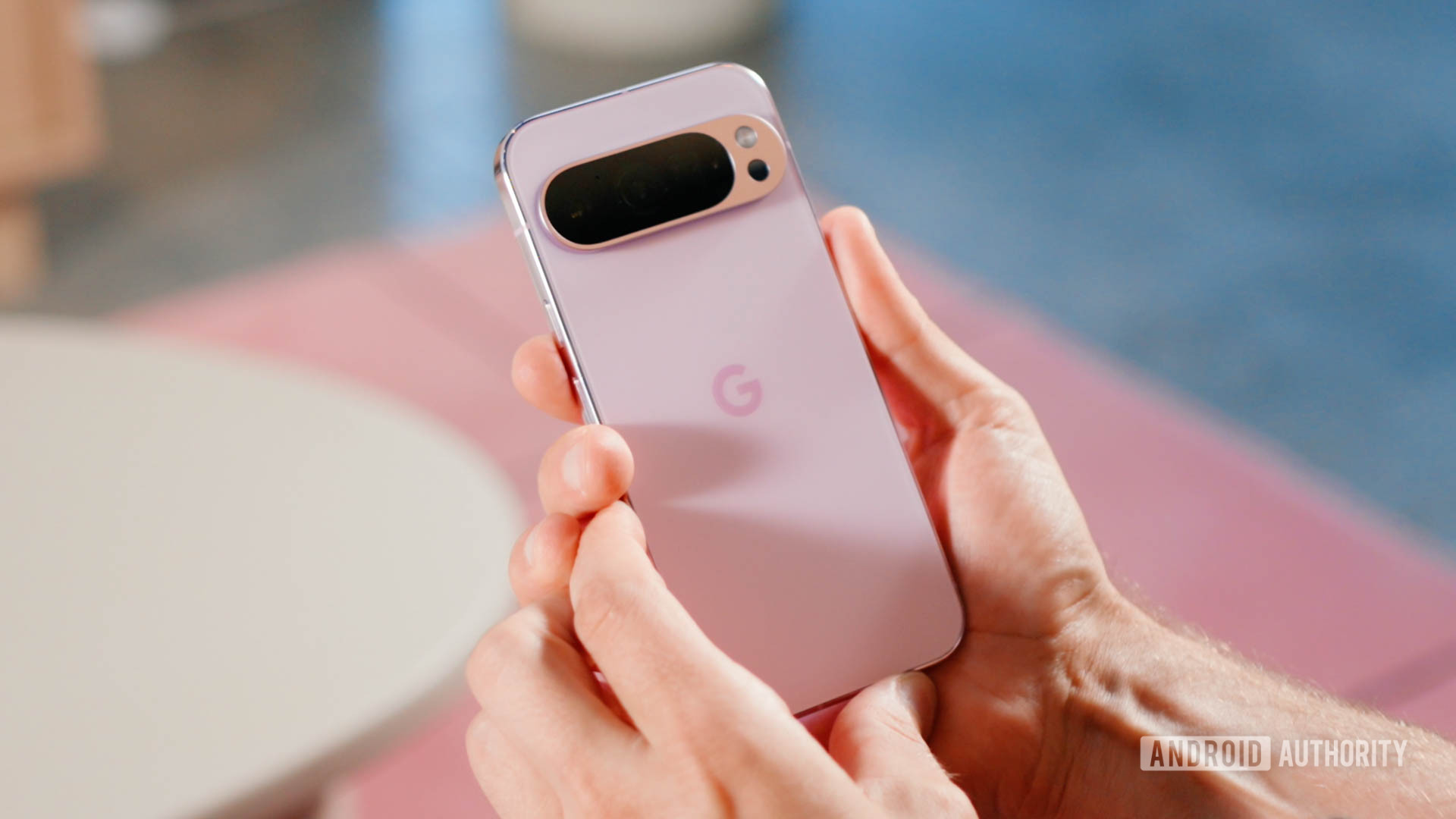
Pros of each Device
| Samsung Fold 7 | Pixel 10 Pro Fold |
| Snapdragon Chip | Pixel Android Experience |
| Thinner and lighter | Magsafe |
| Goodlock | Pixel Look camera |
| Multitasking features | Durable and better IP rating |
| Gaming features | Day one Google Updates |
| Software optimisation | Pixel Exclusive Features |
| Samsung Exclusive features (Samsung edge, palm swipe to take screenshot) |
Choose what you prefer 🍫
Concluding thoughts
Samsung did a great job. The Samsung Fold 7 is much better than the Samsung Fold 6, year over year. If I weren't a Pixel fan, I'd choose the Samsung Fold as the best foldable this year. Thought, I also like MagSafe 🤷♂️.
The Samsung Fold didn't win easily. This blog post (over 4000 words) shows compromises exist. Choosing between the Samsung Fold and Pixel Fold involves trade-offs.
Importantly, despite these trade-offs, at least Android users have CHOICE. Apple is likely to launch foldable this year but if you don't like it, there is no other alternative within the Apple ecosystem. On the Android ecosystem, there are countless foldables available today, and because of competition, they can be purchased at decent prices.
What about me?
I have sent my Samsung Fold 7 back and am awaiting a refund. The Samsung Fold was probably the fold to buy this year, but the difference isn't substantial, and it has its own downsides.
The Pixel 10 Pro Fold holds its own. Google did little this year but built on the very capable Pixel 9 Pro Fold.
2026 is expected to be a huge year for foldables. Samsung Tri-fold is also looking pretty 🆒
We live in the best of times 🤠
I wrote this blog post entirely for myself, assisting me in deciding which foldable is appropriate for me. I am hoping you find it useful too.
Blog written and published on Arc browser on 16inch M1 MacBook Pro