Fitbit Air Early Impressions
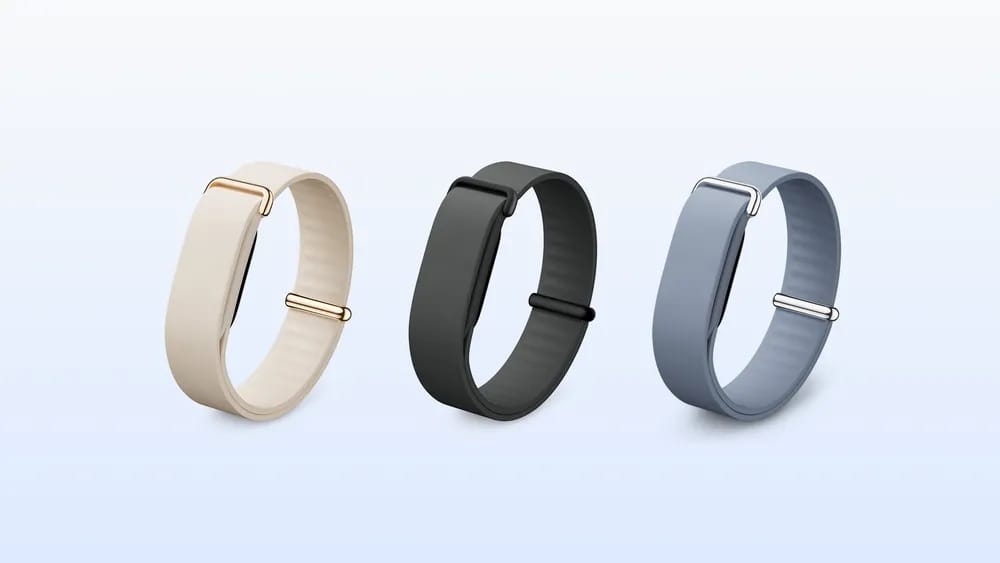
Initially, I was not overly keen on the Fitbit Air, and that's because the thought of wearing something on me all day, every day, was not motivating. That is why I do not wear a smart ring. Context below:
 MereCivilian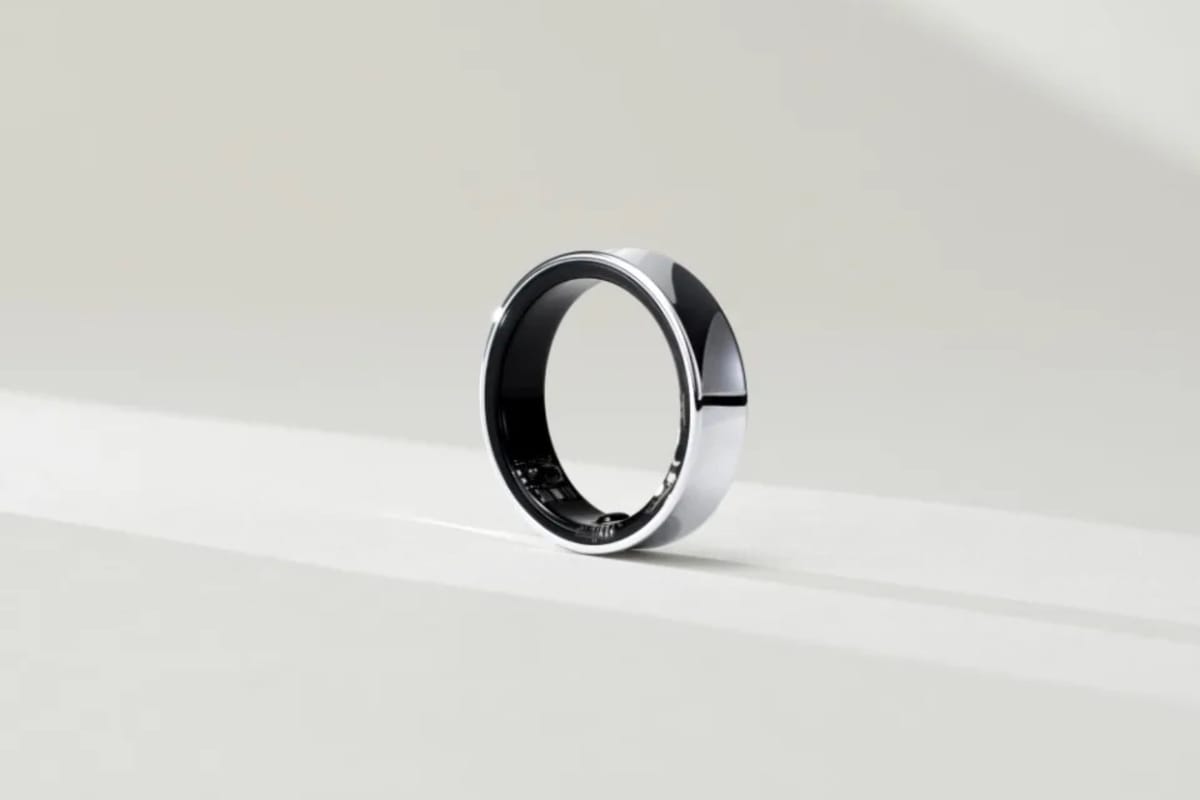
However, I also dislike wearing the Apple Watch or the Pixel Watch to track my sleep and much rather wear a band that is much lighter than either of those devices. Therefore, the only reason I bought the Fitbit Air is to track my sleep and, to some extent, the alarm feature was intriguing. Despite preorders opening on 7 May 2026, I waited til 25 May to get my order in.
I got the black (obsidian) one because Australians did not get the option to order the Special Edition.
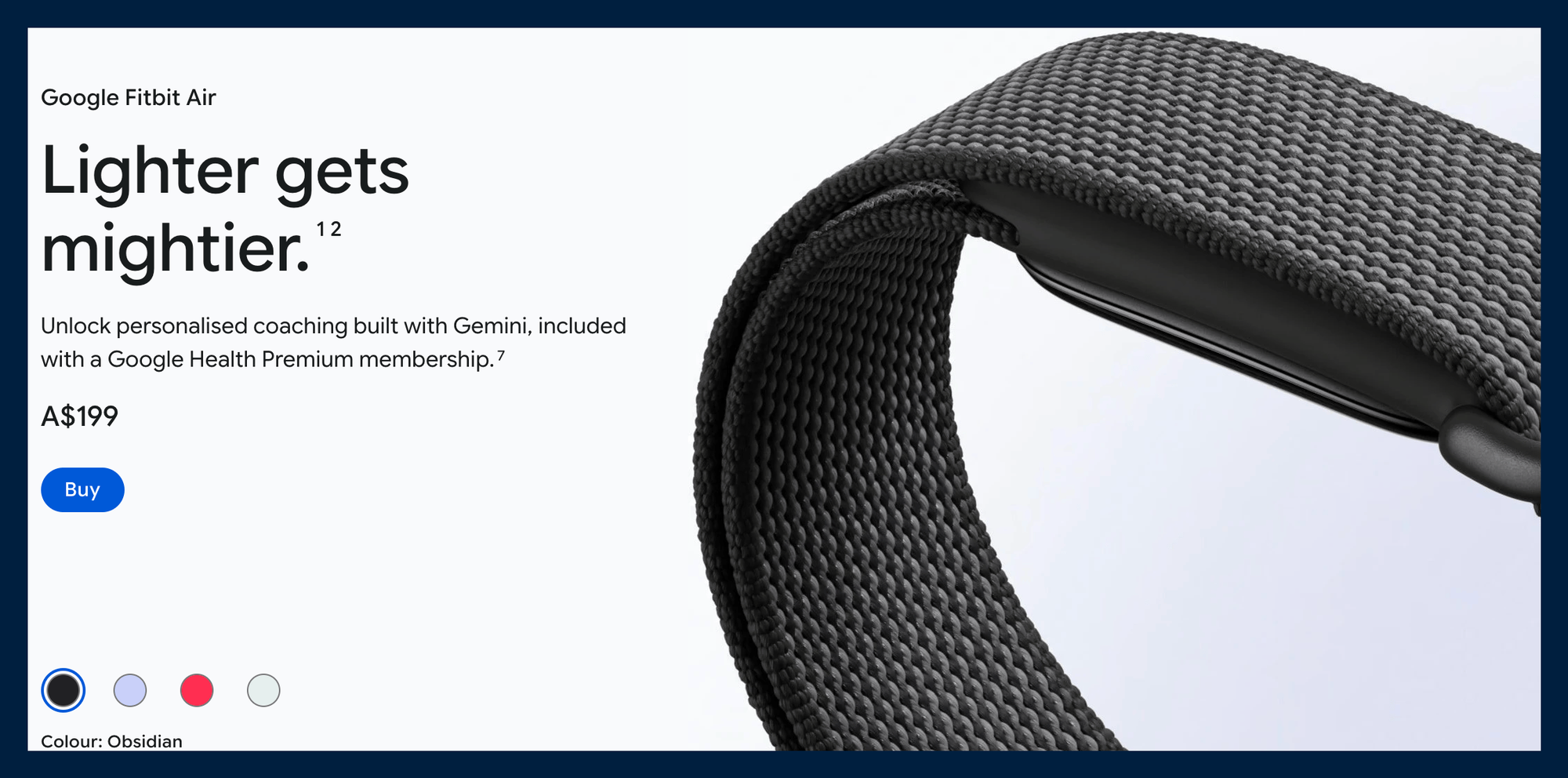
Another notable thing is that despite the Fitbit Air selling for USD99 in USA, in Australia its AUD199 (inclusive of 10% sales tax) which is approximately USD145, which is significantly more expensive. I suppose Australians are required to pay the Down Under Tax.
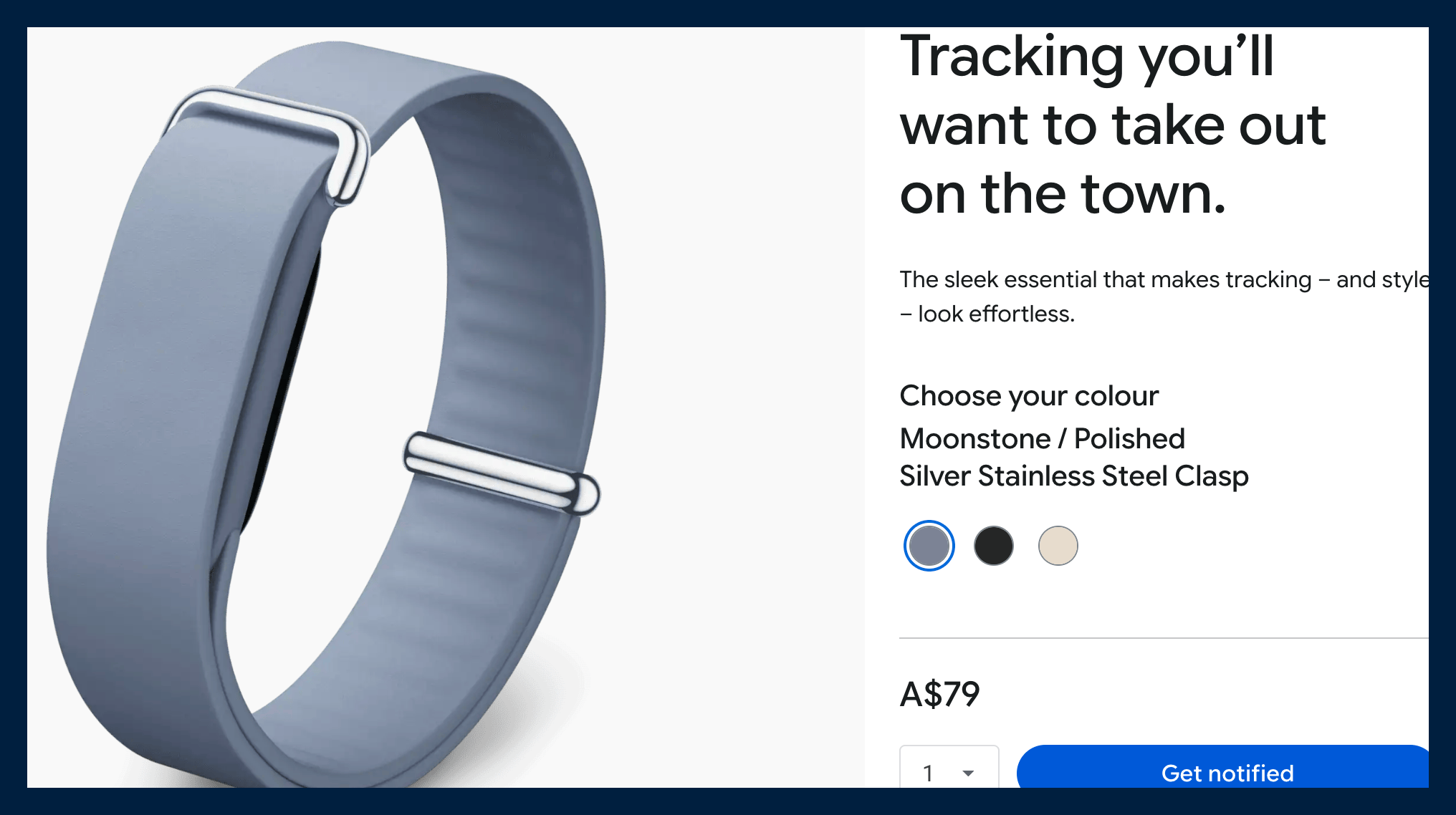
One would think I have spent enough, but I really liked the look of the modern band so I got that one too:
Expressions
I got the Fitbit Air on Wednesday afternoon, and I am writing this blog post on Sunday afternoon. Therefore, I have 4 solid days of use, and in most of that time, I was not wearing any other wearable (no smartwatches). Battery life is at 55% which means a 7-day battery life is feasible.
Setup
Setting up on the Pixel 10 Pro Fold was seamless and straightforward. I suspect the setup would be just as seamless on the iPhone. At the time of writing, the Google Health app does not sync data from the Fitbit Air to Apple Health. When it does that, I'll move the Fitbit Air from the Android phone to the iPhone Air. Side note: I use the Health Sync app on my iPhone to sync Fitbit data from the Google Pixel Watch to Apple Health Kit. Therefore, the same app is now syncing the data from the Fitbit Air to Apple Health Kit until Google comes to the party.
Since I still want to continue wearing smartwatches on my left hand, I set up the Fitbit Air to be worn on my right hand. First thought, I like nothing on my right hand. However, I powered through, and as time went by; I got used to having it on my right hand. I still would prefer not to have it. Therefore, when I move on from wearing the Fitbit Air all day to only wearing it when I sleep, I will wear it on my left hand as it's intended for my use case.
Sleep
My instinct was correct. Sleeping with the Fitbit Air is significantly more comfortable than the smart watches. Also, not having any light coming from the screen on the wrist is fantastic. After a couple of nights, I am confident that the Fitbit Air will be my sleep tracking device of choice. I have yet to try the alarm feature. I thought I would use it all the time, but I forgot my son wakes me up every single day. Somewhere after midnight, he wanders into our room and just sleeps between my wife and I. It's adorable and so sweet to wake up next to him. He will eventually grow up, and I will miss this.
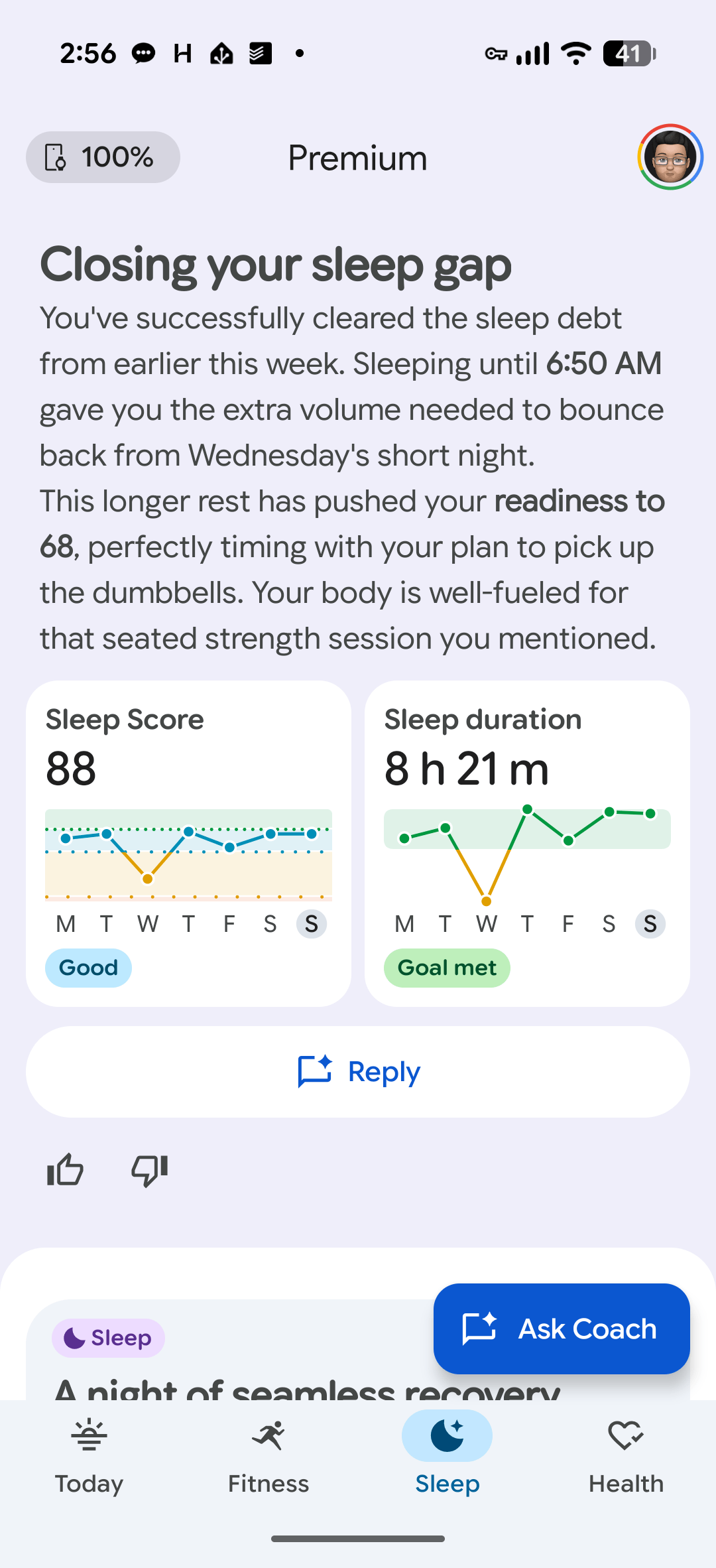
I like the app. It talks to you in simple English, and I would much rather it tell me about the data than me having to analyze the graphs, etc. Note: I sleep well most nights. I'm not concerned about my sleep quality itself (though it could be better). Instead, my difficulty is in falling asleep, a process that can last from 10 minutes to 30 minutes, or sometimes more. Also, no sleep tracker in its own right can improve my sleep. That comes down to me. I feel like it's important to remind myself of that. All these tracks will not magically improve my health or my life, for that matter.
Google Health, Workouts, and Gemini
It came as a surprise, but I actually enjoyed use the Google Health app and will probably keep paying for Google Health Premium largely for Gemini (AI) and the workouts.
Allow me to give you an example. On day 2, for my morning brief, the coach asked me if I was okay with the proposed plan for the day. I said, for the last couple of days, I have had some pain in my left instep leg. Taking this into consideration, it suggested low-impact strength exercises. That suggestion went a step (pun intended) further, suggesting workouts from the Fitbit Premium library which were low-impact and supported the equipment I already had.
This made the entire process so easy. I recall spending a lot of time scrolling through the Apple Fitness library trying to find the right workout, while Google Health Premium so easily surfaces the appropriate workout based on my needs. The Fitbit Premium library comprises content from the Peloton library, which I found to be better than the Apple Fitness workouts. In addition, it has custom workouts where it shows an animated video of the exercises that need to be done.
I was impressed, which I had not expected. It is not all roses, though. First, the app is still super buggy. It crashed a few times starting the workout, but once started, it worked well. I predominantly used it on the Pixel Tablet. Noting, there is no iPad app and no app on Apple TV (which is where I used Apple Fitness the most).
Regarding the accuracy of the data, I am in no position to comment. From my perspective, I hope it is consistent so I can get trends, etc. More importantly, I find the AI within Google Health more useful. I can tell things, and it gives me some options to address my concerns, etc.
Another example: I told Google Health that my knees feel tight and it made some useful suggestions, and the strength exercises it suggested were sitting down or laying down.
I am not a fitness expert, so any advice it gives is useful. To the extent that now I am more willing to ask specific questions relating to the health data it has or questions regarding my health and fitness in general. In my books, it's a win.
Google is an advertising company (by the way, so is Apple and Microsoft) but I made my peace with that a long time ago.
The way I see it, Google Health has told me more about my health data and my fitness in the last week than Apple has told me in over the last decade that it has had my data.
Side Notes
It is pretty cool to see others have created things that support or enhance the Fitbit Air experience.
Like this cool charging stand:
 MereCivilian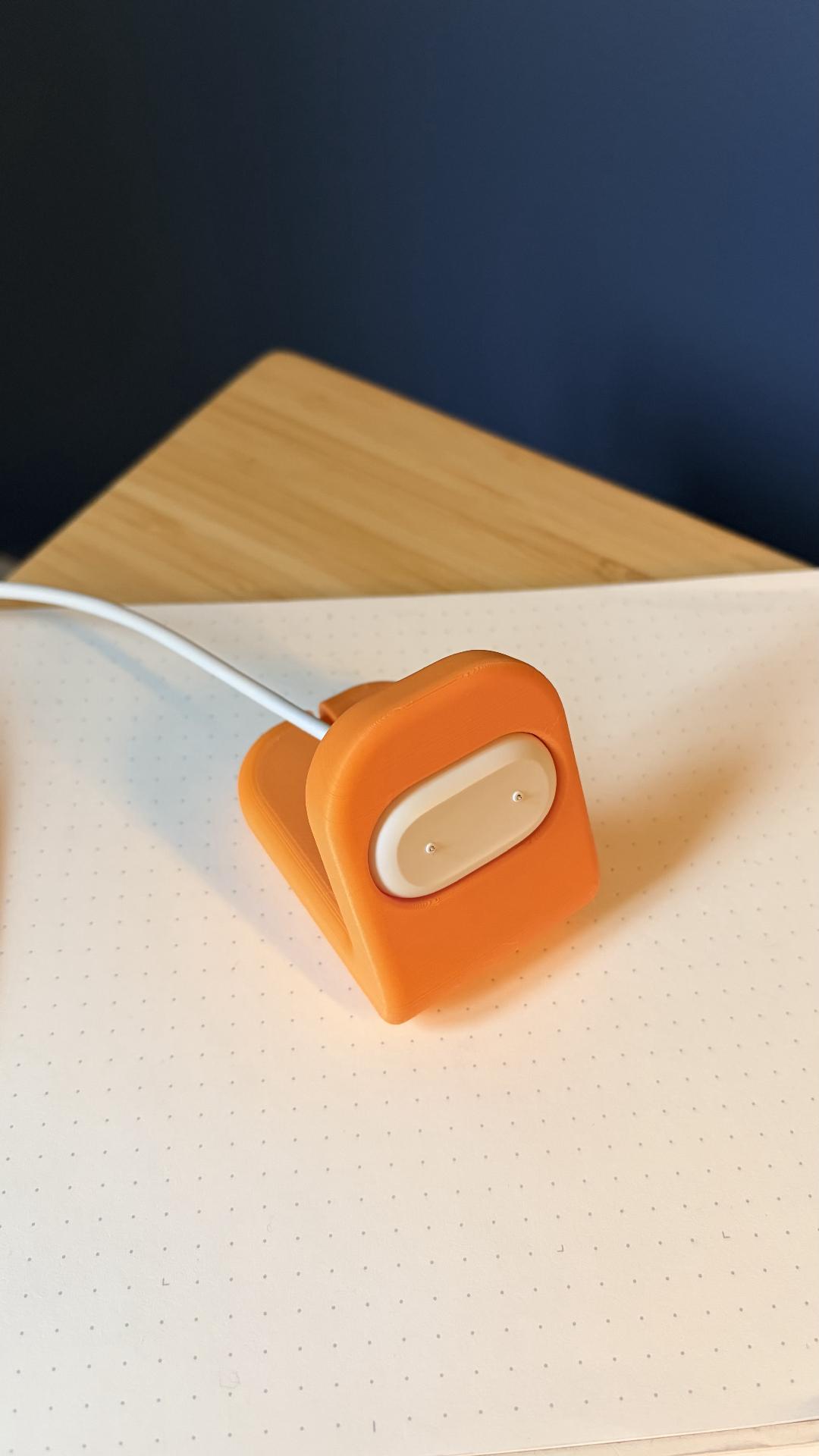
Also, this cool 3D print to use the Fitbit Air with a Casio watch:
This is even cooler, which works with NATO watch straps and does not require a 3D printer:
This is just the beginning
I'm not planning on returning the Fitbit Air. In fact, I'm keeping it. However, the Google Health app has impressed me more than the Fitbit Air. It is still pretty buggy, but it's got a great foundation and is very useful to me. Interestingly, even if I return the Fitbit Air (which is unlikely), I will continue using the Google Health app. Even in its current state, it can be a hub for all my health data. It has one-way sync from Apple Health (bidirectional is coming) and it syncs with Lose It, my Withings Scale, my Pixel Watch and my Pebble Round watch (via Apple Health). I hope that both Google Health and Apple Health have all my health data, and I can benefit from both these large entities trying to improve their user's health.
Five years ago, my privacy-centric approach would not let me consider using Google Health as my health hub. How times have changed? Yes, my perspective has changed too, but my trust and expectations of Apple have also changed.
I wish you a great week ahead and send positive vibes from Melbourne, Australia.
May the Force be with you!
Blog written entirely on M1 13 inch Macbook Pro, using Ghost editor on Arc Browser.